 TrickExprt Android Apps, Games, Software & Tech Guides
Last updated: 22 November 2026
PUBG Mobile download on Android is free and takes only a few minutes — get the official Google Play version, install it, sign in, and you can drop into your first 100-player battle royale match the same day. PUBG Mobile is the original mobile battle royale from Tencent’s Lightspeed Studios, published by Level Infinite, and it remains one of the biggest mobile games in the world: more than 1 billion installs on Google Play, a 4.3-star rating from over 48 million players, and an Editors’ Choice badge. In Pakistan, India and Dubai it is still the battle royale that most mobile gamers compare everything else against. This guide covers everything you need before you install it — the game’s modes, maps, features, system requirements, beginner tips, and the answers to the questions new players ask most.
About PUBG Mobile
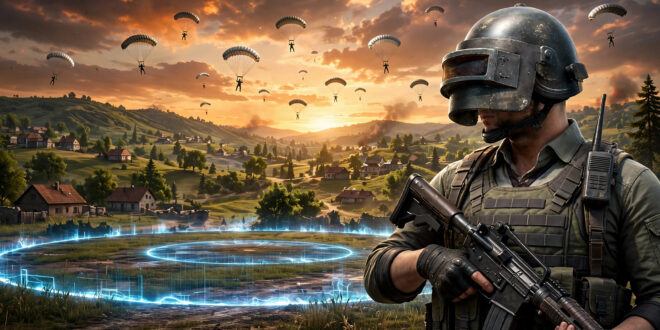
PUBG Mobile is a free-to-play battle royale shooter for Android and iOS. One hundred players parachute onto a large island map, search buildings for weapons, armour and supplies, and fight inside a shrinking safe zone until only one player — or one squad — is left standing. A classic match takes around 25 to 30 minutes, although some maps and modes finish much faster.
The game launched on Google Play in March 2018 and has been updated constantly ever since, so a PUBG Mobile download today gets you eight years of updates in one install. It is developed by Lightspeed Studios (part of Tencent Games) and published by Level Infinite. The original PC game, PlayerUnknown’s Battlegrounds, was created by Brendan “PlayerUnknown” Greene and published by KRAFTON, and the mobile version keeps the same core idea: loot, survive, and be the last one alive.
What makes a PUBG Mobile download worth it is that winning is about decisions as much as aim. Where you land, when you rotate to the safe zone, whether you take a fight or avoid one, and how you use vehicles, grenades and cover all matter. That is why the game has stayed popular for eight years while many rivals have faded — every match plays differently.
For players in Pakistan and the Gulf, matchmaking is usually fast because so many people in the region already play the game.
Quick facts
| Detail | Verified information |
|---|---|
| Game | PUBG MOBILE |
| Developer | Lightspeed Studios (Tencent Games) |
| Publisher | Level Infinite |
| Price | Free (contains ads and in-app purchases) |
| Google Play installs | 1 billion+ |
| Google Play rating | 4.3 stars (over 48 million ratings, checked 21 Nov 2026) |
| Content rating | Teen — violence, blood |
| First released on Google Play | March 2018 |
| Latest version | Latest version on Google Play (see the listing — it changes with every update) |
| Download size | Around 1.2 GB for the base install; extra maps and resources download in-game |
Key Features After a PUBG Mobile Download
100-player battle royale
The heart of every PUBG Mobile download is the classic 100-player match. You parachute in with nothing, loot weapons and gear, and survive a shrinking blue zone that damages anyone caught outside it. The last player or squad standing wins the match and earns the famous “Winner Winner Chicken Dinner” screen.
Multiple maps
Every PUBG Mobile download includes several large maps, each with its own size, terrain and pace:
- Erangel — the original 8×8 km island of towns, fields and hills. Best for classic play.
- Miramar — a large desert map with long sightlines, ideal for snipers.
- Sanhok — a smaller jungle map where fights start fast.
- Vikendi — a snowy map mixing open ground and towns.
- Livik — a compact map for quick matches of around 15 minutes.
Realistic weapons and gear
A PUBG Mobile download includes a large arsenal — assault rifles such as the M416, AKM and SCAR-L, sniper rifles including the Kar98K and AWM, SMGs, shotguns, LMGs and pistols — along with scopes, grips, magazines and muzzle attachments that change how each weapon handles. Helmets, vests and backpacks come in three levels, and healing items, grenades, smoke and Molotov cocktails add tactical options.
Customisable controls and gyroscope
PUBG Mobile lets you move, resize and reshape every on-screen button, adjust sensitivity for camera, aiming and each scope separately, and enable gyroscope aiming for finer control. Training mode and the practice range let you test settings without risking a ranked match.
Voice chat and squads
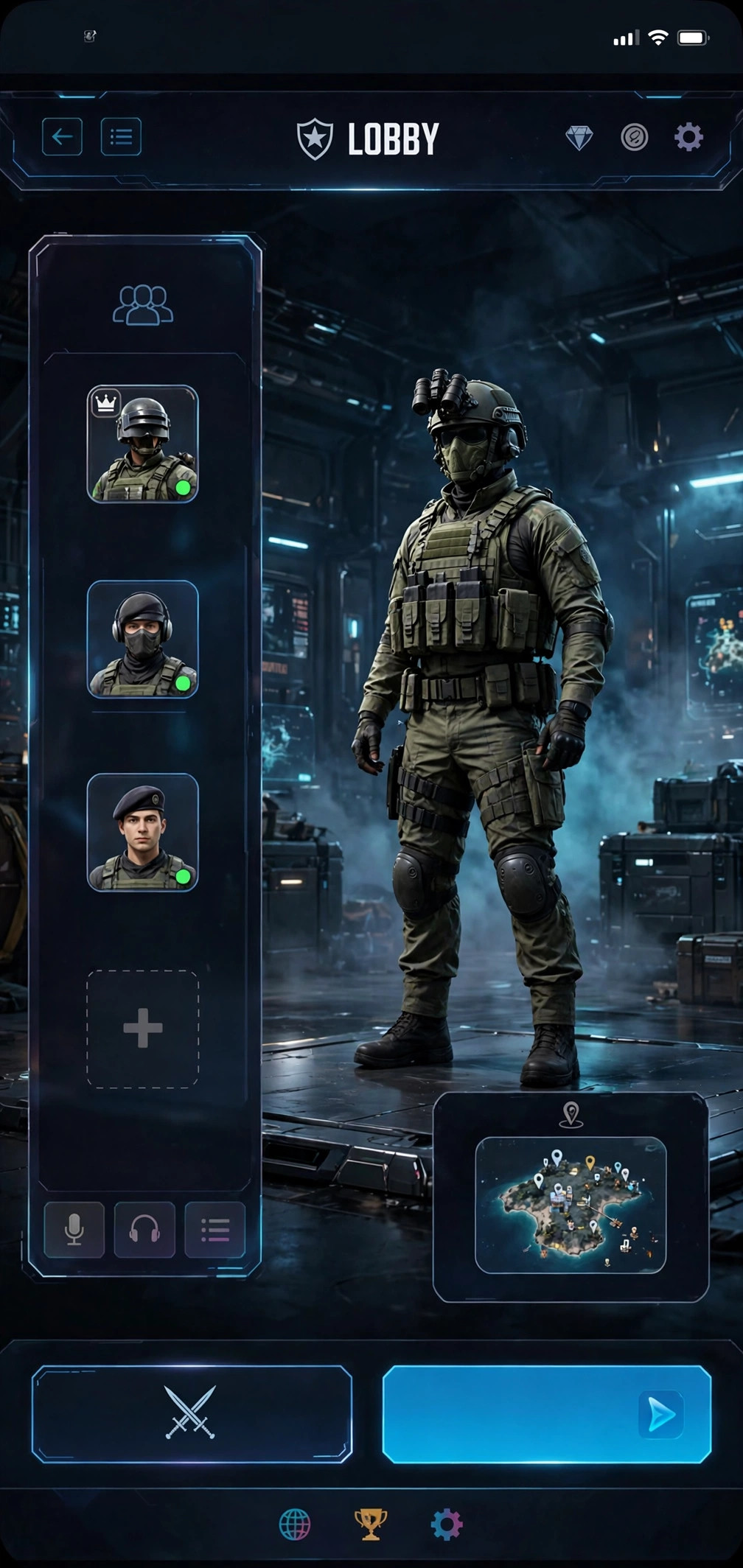
After your PUBG Mobile download, you can play solo, in a duo, or in a four-player squad, with built-in voice chat, quick chat messages and map markers so your team can coordinate. Squad play is where most players spend their time, and ranked squad matches are the competitive core of the game.
Ranked seasons and Royale Pass
Ranked mode places you in a tier ladder — Bronze, Silver, Gold, Platinum, Diamond, Crown, Ace and Conqueror — based on your results. Each season brings a new Royale Pass with missions, outfits, weapon skins and rewards for players who complete them.
Regular events and themed modes
Every PUBG Mobile download keeps receiving themed modes, limited-time events, collaborations and new items with each major update. These keep the game fresh: one season may add a Halloween event, the next a new map feature or a crossover. The “What’s new” section below covers the latest verified update.
Game Modes Included in a PUBG Mobile Download
A PUBG Mobile download gives you far more than one mode. Here are the main ones you will find in the lobby.
Classic Mode
The standard 100-player battle royale on Erangel, Miramar, Sanhok, Vikendi or Livik. Play solo, duo or squad, in casual or ranked queues. Classic is the mode most players mean when they say “PUBG”, and it is the first thing most players try after a PUBG Mobile download.
Arena Mode
Fast, respawn-based gunfights with no looting and no shrinking zone — pure shooting practice and quick fun:
- Team Deathmatch (4v4) — first team to the kill target wins, usually on the Warehouse map. Matches last around 10 minutes.
- Gun Game — your weapon upgrades with every elimination until someone wins with the final weapon.
- Domination — capture and hold control points instead of chasing kills.
- Arena Training — pick any weapon and practise freely.
Arena is included in every PUBG Mobile download, and it is the best warm-up before ranked Classic matches — and the most forgiving mode for new players, because you respawn after every death.
Metro Royale
An extraction mode, included with every PUBG Mobile download, with completely different rules. You enter with your own gear, fight players and AI enemies, collect valuable loot, and must reach an exit alive to keep what you found. If you die, you lose the gear you carried in. It is high-risk, high-reward, and popular with players who enjoy tension and loot strategy rather than pure last-man-standing play.
Payload
Classic survival, included in a PUBG Mobile download, but with rocket launchers, armoured vehicles and helicopters in the loot pool. Heavier firepower, bigger explosions, and a much louder match.
Infection Mode
An asymmetric mode where the lobby is split into zombies and human survivors. The infected side uses speed and melee attacks while defenders hold positions with firearms.
World of Wonder (WOW)
A creative mode, part of every PUBG Mobile download, where players build and play custom maps and game types using in-game objects and tools. Community-made maps range from parkour courses to fun mini-games.
How to Download and Install PUBG Mobile from Google Play
Follow these steps for a safe PUBG Mobile download on Android. This guide covers the official Google Play version only — that is the version that receives updates, security fixes and official support.
Step 1: Check your connection and storage
Connect to Wi-Fi if you can, because a PUBG Mobile download is around 1.2 GB for the base install and in-game resource downloads add more. Free up at least 4 GB of storage so the game and its updates have room. A phone that is nearly full will fail to install or update the game.
Step 2: Open the Google Play Store
On your Android phone, open the Google Play Store app and sign in with your Google account if you are not signed in already.
Step 3: Search for PUBG MOBILE
Type “PUBG MOBILE” in the search bar. Check the listing carefully before confirming the PUBG Mobile download: the publisher should be Level Infinite, the icon should show the game’s official art, and the listing should show 1 billion+ installs with a 4.3-star rating. If a listing shows a different publisher, do not install it. Fake “PUBG Mobile APK” files are a common scam — the same fake-download pattern is explained in our GTA 6 Android scam guide.
Step 4: Tap Install
Tap Install and wait for the download to finish. Do not switch off the phone or clear the Play Store during the download. If the download stalls, see our guide on how to fix Google Play download pending errors.
Step 5: Open the game and download resources
After the PUBG Mobile download, open the game from your home screen or the Play Store. The first launch downloads extra maps, resources and updates inside the game — this can take several more minutes on Wi-Fi. You can choose which maps to download first and skip the rest until you need them, which saves storage.
Step 6: Sign in and set up your account
Sign in with your Google, Facebook, X or guest account. We recommend signing in with a real account rather than guest mode, because guest accounts are easy to lose if you change phones. Then create your character, pick a username, and complete the short tutorial.
Step 7: Adjust your settings before your first match
Once the PUBG Mobile download is done, before jumping into a ranked match, go to Settings and set your graphics quality to match your phone — Smooth graphics with a higher frame rate runs best on budget phones, while stronger phones can use HD or HDR. Customise your controls, and try the Training Ground first.
If the game refuses to open after installation, the problem is usually a corrupted download or a system issue rather than the game itself — our guide on how to fix apps crashing on Android covers the most common fixes.
How to Play PUBG Mobile — Beginner Tips
These tips assume you have finished your PUBG Mobile download and completed the tutorial.
Land somewhere quiet first
New players should land at the edge of the map, away from hot drops like Pochinki or the military base. You will find loot in peace, learn the controls, and survive longer. Hot drops are fun, but you will usually die in the first minute before you learn anything.
Loot fast, then move
Grab a weapon first, then a helmet, vest and backpack, then healing items. Do not spend five minutes looting one house while the zone closes — loot two or three buildings and move towards the safe zone early.
Always watch the zone
The blue zone is the real enemy. Check the map often, and start moving before the timer runs out. Players caught outside the zone late in the game take heavy damage and often die before they reach safety.
Use cover and sound
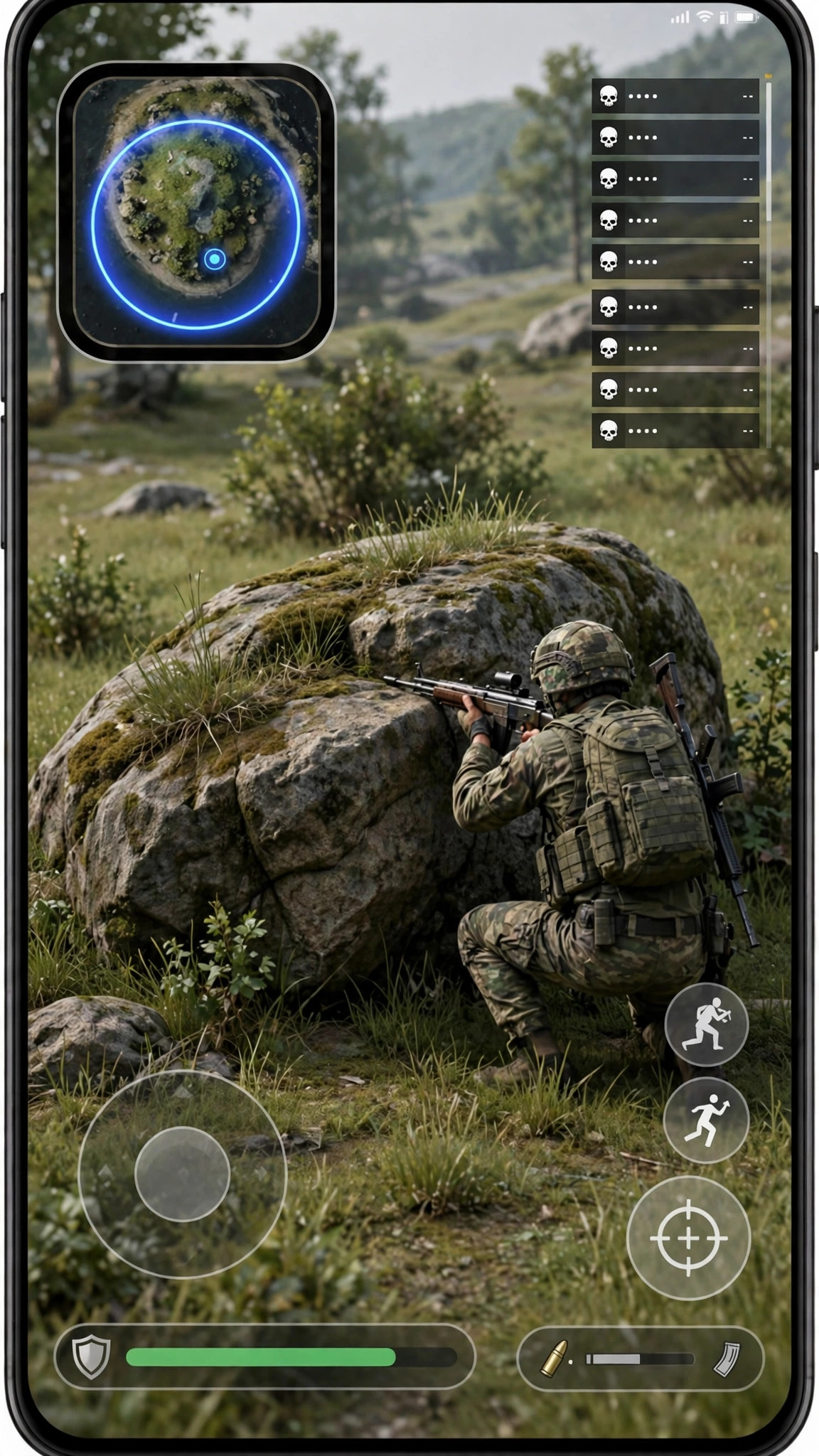
Move from cover to cover — rocks, trees, walls and buildings. Crouch and go prone in open ground. Wear earphones: footsteps, vehicle engines and gunfire tell you exactly where enemies are, and good sound is one of the biggest advantages in the game.
Practise recoil in Arena and Training
Spend 15 minutes in the Training Ground or Arena Mode before ranked matches. Learn how the M416 and AKM recoil feels, practise aiming with a red dot sight, and test gyroscope aiming. Your aim will improve far faster here than in Classic matches.
Play with a squad
A squad can revive you when you are knocked down, share loot and call out enemies. Solo play is harder for beginners. Invite friends, use voice chat, and stick together instead of running off alone.
Do not rush every fight
A common beginner mistake is chasing every gunshot sound. Attacking two teams that are already fighting each other is smart; running into the open to chase a kill is usually how you die.
PUBG Mobile Download: System Requirements for Android
The listing’s minimum requirement is Android 5.0 and above, but that minimum is not the same as a smooth experience. These are the requirements and recommendations for a PUBG Mobile download on Android in 2026:
| Requirement | Minimum | Recommended for smooth play |
|---|---|---|
| Android version | Android 5.0+ | Android 8 or newer |
| RAM | 2 GB (estimated — not a published minimum) | 4 GB or more |
| Storage | Around 1.2 GB base install | 4 GB+ free space (game plus updates and maps) |
| Processor | Entry-level | Mid-range Snapdragon / Helio / Dimensity or better |
| Internet | Mobile data or Wi-Fi | Stable Wi-Fi or 4G/5G, low ping |
Practical advice: on a budget phone, choose Smooth graphics and the highest frame rate your device offers — frame rate matters more than graphics quality in a shooter. Close background apps before playing and use Wi-Fi when possible, because weak mobile data causes lag and high ping.
If you want lighter games for a low-end phone instead, see our list of the 15 best games under 50 MB for Android. And if you enjoy battle royale games generally, you may also like our fixes for Free Fire Max loading and black screen problems on Samsung phones.
What’s New in PUBG Mobile (2026)
The latest verified update at the time of writing is Version 4.6, announced by Level Infinite on 8 September 2026 and live until 10 November 2026. Its headline addition is Midnight Hunters, a themed mode that every PUBG Mobile download from that update includes, in which hunters face vampires, with limited-time challenges, PvE enemies and themed items. The same update brought back the Ocean Odyssey themed mode on Erangel, a Halloween makeover for Brainrot Royale in World of Wonder, new Classic Mode and Arena Mode updates — including in-match missions, Supply Shop improvements and a new Ranked Arena season — plus Season 32 and Metro Royale Chapter 34.
Because updates arrive every few weeks, the version on your phone may already be newer than 4.6 by the time you read this — app trackers list Version 4.7.0 as the current build from early November 2026. Check the “What’s new” section on the official Play Store listing for the current patch notes. You can also read the latest news on the official PUBG Mobile website.
PUBG Mobile Download — Frequently Asked Questions
Is PUBG Mobile free to download on Android?
Yes. A PUBG Mobile download from the Google Play Store is free. The game contains ads and in-app purchases — outfits, weapon skins and the Royale Pass cost real money — but the full battle royale game, all maps and all modes are playable without spending anything.
How much storage does PUBG Mobile need?
A PUBG Mobile download is around 1.2 GB for the base install, but maps, resources and updates downloaded inside the game take more space. Keep at least 4 GB free on your phone before installing, and more if you download every map.
Can I play PUBG Mobile on a low-end Android phone?
You can try, but the experience depends on your phone. The store lists Android 5.0 and above as the minimum, while smooth play realistically needs Android 8 or newer with 4 GB of RAM. On weaker phones, use Smooth graphics, a lower resolution and the highest available frame rate, and close other apps first.
Is PUBG Mobile available in India?
The global version of PUBG Mobile was removed from Indian app stores in 2020. In India, the officially available version is BGMI (Battlegrounds Mobile India), a separate game made for Indian players. If you are in India, download BGMI from the Play Store instead of looking for the global version. In Pakistan and the UAE, the global version is the one to install.
Can I play PUBG Mobile with friends?
Yes. After your PUBG Mobile download, add friends by their username or player ID, then invite them to a squad in Classic or Arena mode. The game has built-in voice chat, quick chat commands and map markers so your squad can coordinate without a separate app.
Does PUBG Mobile work without the internet?
No. After a PUBG Mobile download, you still need an active internet connection for every mode, because it is an online multiplayer game, including training. A stable Wi-Fi or 4G/5G connection with low ping gives the best experience.
Is PUBG Mobile safe for kids?
The game is rated Teen on Google Play for violence and blood, and it is not designed for young children. Parents should use the game’s play-time and spending controls, keep an eye on voice chat with strangers, and set a password for in-app purchases.
Download PUBG Mobile on Android
This PUBG Mobile download link goes only to the official Google Play version — free, safe, and always up to date:
Download PUBG Mobile on Google Play
After your PUBG Mobile download and install, open the game, finish the in-game resource download, and complete the tutorial before your first ranked match. If you are new to mobile shooters, start with Arena Mode and the Training Ground, then move to Classic matches once your aim and movement feel comfortable.
If you enjoy Android games, you may also like our guides on how to play GTA 5 on Android and how to fix Roblox not opening on Android.
More Android Games on TrickExprt
If you like battle royale games, these guides in the same Android Games series may also help:
- Clash of Clans Download: Play on Android (2026 Guide) — base-building strategy with Town Hall 19, Clan Wars and troop upgrades.
- Subway Surfers Download: Play Free on Android (2026) — endless runner with Jake, Tricky & Fresh, hoverboards and World Tour cities.
- Candy Crush Saga Download: Play Free on Android (2026) — match-3 puzzle with 20,000+ levels, striped and wrapped candies, and boosters.
- 8 Ball Pool Download: Play Online on Android (2026) — online pool with 1v1 matches, tournaments and cue collection.
Sources
- Google Play Store — PUBG MOBILE listing (Level Infinite), checked 21 Nov 2026: rating 4.3 from over 48 million ratings, 1 billion+ installs, free, Teen, Editors’ Choice. https://play.google.com/store/apps/details?id=com.tencent.ig
- Level Infinite press release — “PUBG MOBILE Unleashes a Vampire Uprising with Midnight Hunters Mode in its Version 4.6 Update”, 8 September 2026. https://press.levelinfinite.com/en-ZA/PUBG-MOBILE-UNLEASHES-A-VAMPIRE-UPRISING-WITH-MIDNIGHT-HUNTERS-MODE-IN
- Official PUBG Mobile website. https://www.pubgmobile.com/
- AppBrain — PUBG MOBILE store statistics (installs, rating history, size data), data updated 6 Nov 2026. https://www.appbrain.com/app/pubg-mobile/com.tencent.ig