 TrickExprt Android Apps, Games, Software & Tech Guides

Last updated: 22 November 2026
8 Ball Pool download is one of the most searched game queries in Pakistan and India — and for good reason. Made by Miniclip, this free online pool game has crossed 1 billion installs on Google Play, holds a 4.8-star rating from more than 32 million players, and still ranks among the most-downloaded games in the region. In this guide you will learn how to get the official 8 Ball Pool download on Android safely from Google Play, what game modes and features you get, how coins and cues work, and the beginner tips that actually help you win more matches.
Quick answer: The only safe way to get 8 Ball Pool on Android is the official Google Play Store listing by Miniclip. It is free, rated 4.8 stars, needs Android 6.0 or higher, and takes around 189 MB of space. Open the Play Store link in the 8 Ball Pool download section below, tap Install, and you can play your first 1v1 match within minutes.
About 8 Ball Pool — Miniclip’s Online Pool Game
8 Ball Pool is a 3D multiplayer billiards game developed by Miniclip, a studio that has been making online games since the early 2000s. The game first appeared on Google Play in January 2013, which makes it one of the oldest and most established mobile games still receiving regular updates — the most recent update tracked in November 2026 arrived on 9 November 2026.
The idea is simple: real 8-ball pool rules on your phone, against real people. You break the rack, pocket all of your solids or stripes, and then sink the 8 ball to win the match. Every match has coins at stake — win the game and the coins are yours. Lose, and you hand your entry fee to your opponent. That small risk is what makes even a two-minute match feel tense and fun.
Why is an 8 Ball Pool download so popular in Pakistan and India? Three reasons stand out. First, pool is a game almost everyone already understands, so there is no long tutorial to sit through. Second, matches are short — most 1v1 games finish in two to four minutes, perfect for a tea break or a commute. Third, it works well on modest phones and slower connections: the game needs Android 6.0 or higher and has been played for years on budget devices across South Asia.
The 8 Ball Pool download is free to play, contains ads, and offers optional in-game purchases. It is rated Everyone on Google Play, so it is suitable for casual players of all ages — although competitive matches need a stable internet connection. You can play as a guest, or sign in with a free Miniclip or Facebook account to save your progress, challenge friends, and keep your cues and coins safe when you switch phones.
If you enjoy competitive mobile games, you may also like our guide on how to play GTA 5 on Android — another hugely popular game in the region.
8 Ball Pool Download: Key Features
Here is what you get with the official 8 Ball Pool download on Android:
Real 3D physics. The 8 Ball Pool download uses realistic ball physics — angles, rebounds off the cushions, and spin all behave the way you would expect from a real pool table. Learning how the cue ball reacts after contact is the skill that separates beginners from regular winners.
Online multiplayer against real players. Every ranked match in the 8 Ball Pool download pairs you with a real opponent of a similar skill level. The ranking and league system means you face tougher players — and bigger coin stakes — as you improve.
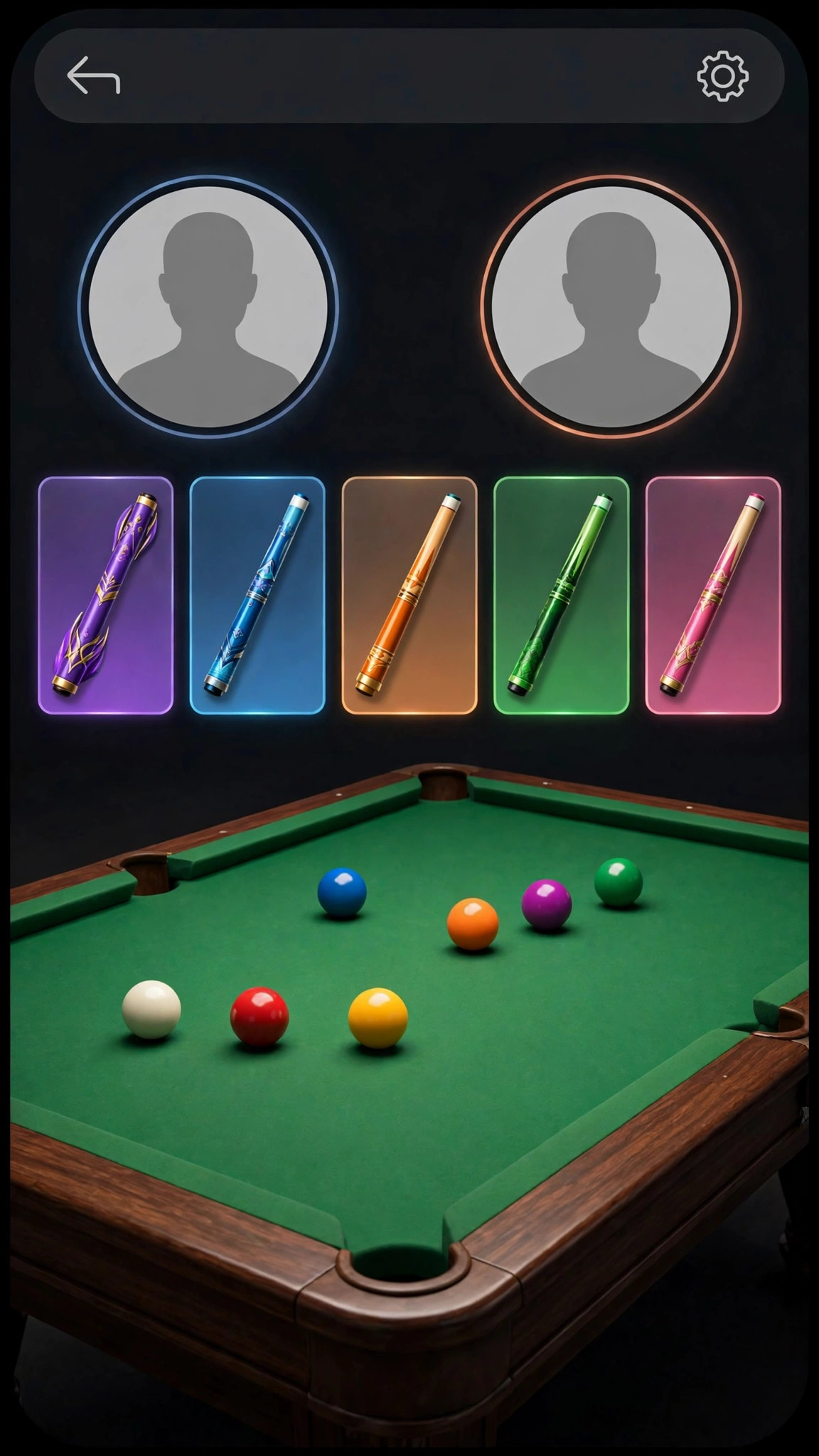
Hundreds of collectible cues. Cues are the heart of the 8 Ball Pool download’s collection system. Each cue has four stats: Force, Aim, Spin, and Time (how long you get to line up a shot). Better cues give you a longer aim guide, more spin control, and more thinking time. You collect cue pieces from reward boxes and events, and you can upgrade cues using the game’s premium currency, Cash.
Coins, Cash, and reward boxes. Coins are the main currency: you pay them as a table entry fee and win them back — plus your opponent’s stake — when you win. Cash is the premium currency used for cue upgrades and special items. Winning matches can also award Victory Boxes that contain coins, cue pieces, and minigame tickets.
Custom tables and locations. As you level up you unlock new venues and table designs, each with its own entry fee and atmosphere. Higher tables mean higher stakes, so it pays to practise on the cheaper tables first.
Pool Pass. The 8 Ball Pool download also includes a seasonal Pool Pass with free and premium reward tracks. Completing daily and weekly missions earns you cues, coins, and Cash along the way.
Clubs and friends. In the 8 Ball Pool download you can join a club, compete with club mates, challenge friends directly, and chat with other players. Signing in with your Miniclip or Facebook account is what unlocks the social side of the game.
Offline practice mode. If you want to practise your aim without risking coins or your rank, the practice mode lets you shoot alone. It is the best place to learn spin control before you take it into a real match.
Special events and minigames. Limited-time events, win-streak challenges, and minigames such as Lucky Shot offer extra rewards outside normal matches. Check the events tab regularly — some of the best free rewards in the game come from here.
For players who like light, quick games between pool matches, our Block Blast tips and tricks guide is a good next read.
8 Ball Pool Download: Game Modes Explained
1v1 Matches — the main mode
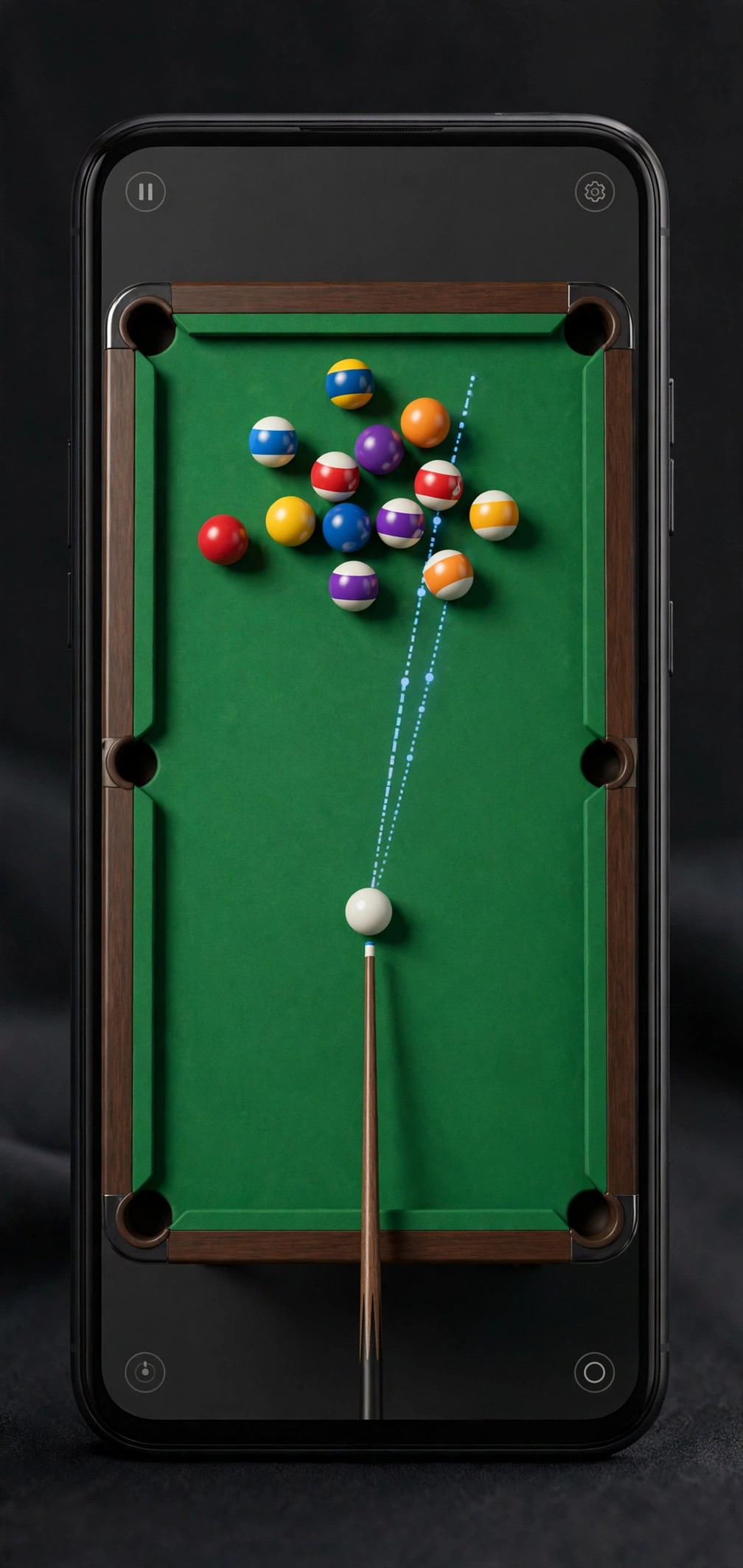
This is the mode you will play most after your 8 Ball Pool download. You pick a table, pay the entry fee in coins, and face one opponent in a standard game of 8-ball. Table entry fees start low (around 50 coins on the cheapest tables, according to player guides) and climb to millions of coins on the highest tables. The winner takes the whole pot. Some tables also use special rules, such as no aim guidelines or called pockets — always read the table card before you join.
9 Ball Mode
The 8 Ball Pool download also includes a faster variant using 9-ball rules: balls must be hit in number order, and the player who legally pockets the 9 ball wins. Matches are shorter and more aggressive than standard 8-ball, which makes 9 Ball a good change of pace when you want quick games.
Tournaments
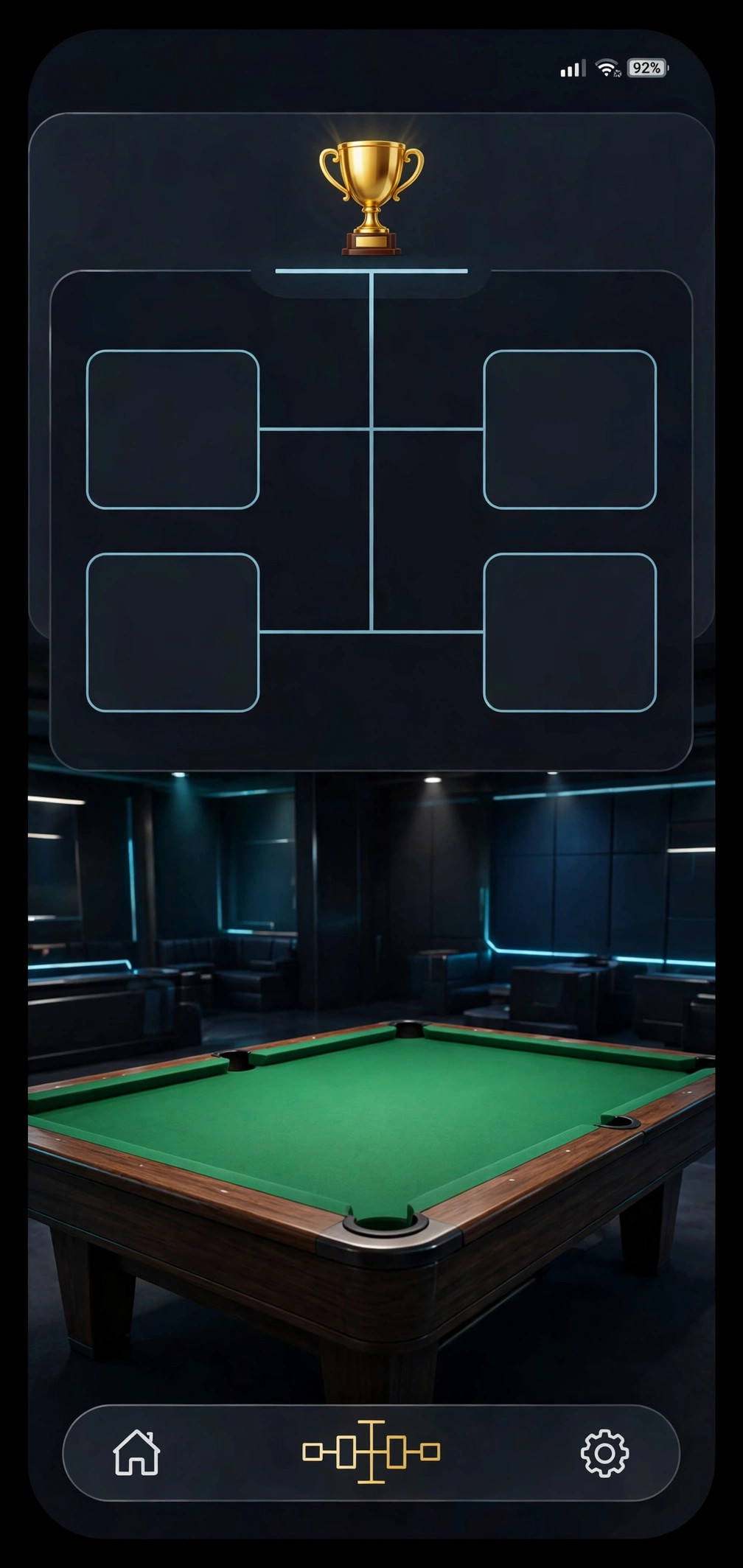
In the 8 Ball Pool download, multi-round knockout tournaments pit you against a ladder of opponents, round by round. Entry costs more than a normal match, but the prize pool for the top finishers is much bigger, and even losing early usually earns some coins and experience. Tournaments are where the game’s best rewards hide — and where the competition is toughest.
Offline Practice
The 8 Ball Pool download includes a no-pressure practice mode for learning the controls, testing spin, and warming up. You risk no coins and your rank is not affected, so there is no reason not to use it when you are learning a new cue or coming back after a break.
Special Events and Minigames
The 8 Ball Pool download rotates seasonal events, win-streak challenges, and minigames like Lucky Shot regularly. These are worth checking daily because they are one of the main ways to earn free coins, Cash, and cue pieces without spending anything.
How to Download and Install 8 Ball Pool from Google Play
Follow these steps to get the official 8 Ball Pool download on Android. The whole process usually takes two to five minutes on a normal connection.
Step 1 — Open Google Play. On your Android phone, open the Google Play Store app. Make sure you are signed in with your Google account.
Step 2 — Search for the game. Type “8 Ball Pool” in the search bar. Look for the result published by Miniclip.com with the familiar 8-ball icon. Check the developer name carefully — the real game is published by Miniclip, not by a lookalike name.
Step 3 — Open the listing. Tap the result to open the store page. You should see a 4.8-star rating, more than 1 billion installs, and the description “Play online multiplayer or PvP Pool games and compete with your friends!”
Step 4 — Tap Install. Press the Install button. The game is free and takes around 189 MB of storage, so make sure you have enough free space and a stable Wi-Fi or mobile data connection.
Step 5 — Open and set up. Once the 8 Ball Pool download is installed, tap Open. You can play as a guest straight away, or sign in with a free Miniclip or Facebook account to save your progress across devices. We recommend signing in — guest progress is lost if you uninstall the game or switch phones.
Step 6 — Play your first match. The game gives you a starting set of coins. Start on the lowest-stake table (London or the cheapest available table) until you are comfortable with the aiming and power controls.
Safety note: Only install the 8 Ball Pool download from the official Google Play listing linked in this article. Unofficial download sites and social-media sellers that promise extra coins or special versions are not connected to Miniclip and can put your account and your phone at risk. We have seen the same kind of fake-coins scam pattern in other games — read our Yalla Ludo scam warning to know what these scams look like.
Download not working? Try this
- Download stuck on “Pending”: This is usually a Play Store queue or connection issue. Our guide to fix Google Play download pending error walks through the exact fixes.
- Not enough space: The game needs around 189 MB plus extra room for updates. Free up space by clearing cached data or removing apps you no longer use.
- “Your device isn’t compatible”: The game needs Android 6.0 or higher. Check your Android version in Settings, and install any system update available for your phone.
- Game crashes after install: A fresh install crashing on launch is often fixed by clearing the game’s cache or restarting the phone. See our general guide on how to fix apps crashing on Android.
- Google Play Services errors: If the Play Store itself misbehaves, the fix may be in Google Play Services — see our guide to fix Google Play Services keeps stopping.
How to Play 8 Ball Pool — Beginner Tips
If this is your first 8 Ball Pool download, these tips will save you a lot of coins while you learn:
1. Start on the cheapest table. Do not jump to a high-stakes table because the prize looks tempting. The cheapest tables are where you learn the physics, the controls, and the pace of real opponents — and the losses cost almost nothing.
2. Use the aim guide, then learn to play without it. The guideline shows where the cue ball will go. Beginners should use it on every shot, but try to predict the shot before looking at the line. Over time you will need the guide less, which matters on tables where guidelines are switched off.
3. Control your power. Most missed shots in 8 Ball Pool are not bad aim — they are too much power. A soft, controlled shot pockets the ball and leaves the cue ball in a good place for your next shot. Drag the power meter gently; full power is rarely the right choice.
4. Learn spin early. The cue-ball spin control changes where the white ball goes after it hits your target ball. Top spin makes it roll forward, backspin pulls it back, and side spin changes its angle off the cushion. Practise spin in offline practice mode — it is the single biggest skill gap between average players and good ones.
5. Think one shot ahead. Before you shoot, look at where the cue ball will stop and whether your next ball is reachable from there. Winning players plan position; beginners only think about the ball in front of them.
6. Do not break hard every time. A full-power break scatters the balls but often leaves you with no easy shot, or worse, pockets the cue ball. A medium, controlled break gives you a better spread to work with.
7. Protect your coins. Never bet more than a small share of your coin balance on one match. If you lose two or three games in a row, take a break or drop to a cheaper table. Chasing losses is how most players go broke in this game.
8. Upgrade cues slowly. A better cue helps — longer aim guides and more spin are genuinely useful — but cue upgrades are expensive. Upgrade your main cue step by step, and spend Cash on the cue you actually use, not on every cue you collect.
9. Do the daily missions. After your 8 Ball Pool download, daily and weekly missions, Pool Pass rewards, and minigames are the steadiest way to earn coins and Cash without paying. Log in daily, finish the easy missions first, and your balance grows on its own.
10. Never buy coins from unofficial sellers. After your 8 Ball Pool download, remember that coins only come from playing, missions, events, and official in-game purchases. Anyone selling cheap coins on WhatsApp, Facebook, or other platforms is running a scam or putting your account at risk of a ban. Stick to what you earn inside the game.
8 Ball Pool Download: System Requirements
| Detail | Requirement |
|---|---|
| Operating system | Android 6.0 or higher |
| Download size | Around 189 MB (the Play Store lists size as varies with device) |
| Price | Free (contains ads and optional in-game purchases) |
| Internet | Required for online matches; offline practice works without it |
| Content rating | Everyone |
| Developer | Miniclip.com |
| Released on Google Play | January 2013 |
| Installs | 1,000,000,000+ |
| Rating | 4.8 stars (about 32 million ratings) |
The 8 Ball Pool download runs on a very wide range of phones because it has been optimised over more than a decade. If your phone runs Android 6.0 or newer, it should install and play. Older or low-memory phones may see longer loading times, so close background apps before a match if your phone struggles.
If you are looking for games that take up even less space, see our list of the 15 best games under 50 MB for Android.
What’s New in 8 Ball Pool (2026)
Miniclip updates the 8 Ball Pool download regularly — the most recent update tracked by app trackers landed on 9 November 2026. Exact version numbers change frequently (different trackers listed different builds in November 2026), so we are not printing a version number here; check the “What’s new” section on the official Play Store listing for the current build on your device.
Typical updates to the game bring new collectible cues, seasonal tables and events, Pool Pass seasons, and performance fixes. If your game feels outdated or a new event is not showing, open the Play Store listing and tap Update — new seasons and events only appear on the latest build.
Frequently Asked Questions (FAQs)
Is 8 Ball Pool free to download on Android?
Yes. The 8 Ball Pool download is free from the official Google Play Store. The game contains ads and offers optional in-game purchases, including premium currency (Cash) and cue upgrades, but you can play 1v1 matches, tournaments, and practice mode without paying anything.
How do I download 8 Ball Pool on Android?
Open the Google Play Store, search for “8 Ball Pool” by Miniclip.com, and tap Install — or use the official Play Store button in the download section below. The game needs Android 6.0 or higher and around 189 MB of free space. Avoid unofficial download sites; only the official Play Store listing guarantees you are getting Miniclip’s real game.
How big is 8 Ball Pool, and what Android version do I need?
App trackers list the 8 Ball Pool download at around 189 MB, while the Play Store itself says the size varies with device. You need Android 6.0 or higher. After installing, the game may download extra data on first launch, so use Wi-Fi for the first setup if your mobile data is limited.
Can I play 8 Ball Pool offline?
Partly. After the 8 Ball Pool download, online 1v1 matches, tournaments, and events need an internet connection because you are playing against real people. The offline practice mode works without internet and is the best place to learn aiming and spin without risking coins.
How do I get more coins in 8 Ball Pool?
Win matches, complete daily and weekly missions, take part in events and minigames, and claim Pool Pass rewards. These are the legitimate ways the game itself provides. Do not buy coins from unofficial sellers or trust websites that promise free coins — those offers are scams and can get your account banned.
Is 8 Ball Pool safe for kids?
The 8 Ball Pool download is rated Everyone on Google Play and has no violent content — it is a virtual game of pool. Parents should note that it is an online multiplayer game with chat features and in-game purchases, so it is worth turning on purchase approval and checking the chat settings for younger players.
Why is 8 Ball Pool not working or crashing on my phone?
First, check your internet connection — most online matches fail on a weak connection. Then restart the game, clear its cache in Settings, and make sure you have the latest version from the Play Store. If it still crashes, our guide on how to fix apps crashing on Android covers the full checklist.
Download 8 Ball Pool on Android
Get the official 8 Ball Pool download free from Google Play — the only safe source for the game:
Download 8 Ball Pool on Google Play
Free • Miniclip.com • Android 6.0+ • 1,000,000,000+ installs • 4.8 stars
Tap the button above, press Install on the Play Store page, and your first match is minutes away. Sign in with a Miniclip or Facebook account to keep your progress, cues, and coins safe across devices.
More Android Games on TrickExprt
If you like competitive online games, these guides in the same Android Games series may also help:
- PUBG Mobile Download: Play on Android (2026 Guide) — battle royale with 100-player Erangel matches, Metro Royale and Arena modes.
- Clash of Clans Download: Play on Android (2026 Guide) — base-building strategy with Town Hall 19, Clan Wars and troop upgrades.
- Subway Surfers Download: Play Free on Android (2026) — endless runner with Jake, Tricky & Fresh, hoverboards and World Tour cities.
- Candy Crush Saga Download: Play Free on Android (2026) — match-3 puzzle with 20,000+ levels, striped and wrapped candies, and boosters.
Sources
- Google Play Store — 8 Ball Pool by Miniclip.com: https://play.google.com/store/apps/details?id=com.miniclip.eightballpool (listing checked 21 November 2026: rating 4.79 from 32,021,415 ratings; description confirms PvP, tournaments, coins, cues, and Miniclip/Facebook sign-in)
- Miniclip official website: https://www.miniclip.com
- AppBrain — 8 Ball Pool statistics: https://www.appbrain.com/app/8-ball-pool/com.miniclip.eightballpool (installs, rating, size ~189 MB, Android 6.0+, last update 9 November 2026; accessed 21 November 2026)