 TrickExprt Android Apps, Games, Software & Tech Guides
Last updated: 22 November 2026
Clash of Clans download is free on Android, and the only safe way to get it is from the official Google Play Store. Made by Supercell, this strategy game lets you build a village, train an army of Barbarians, Archers, Wizards and Dragons, and battle other players in Clan Wars. It has a 4.5-star rating from more than 61 million players on Google Play, and it is still one of the top-grossing games in India and Pakistan more than a decade after launch. This 2026 guide covers everything: features, troops, Town Hall levels, step-by-step installation, beginner tips, system requirements, and what is new in the latest Town Hall 19 update.
About Clash of Clans
Clash of Clans is a free-to-play mobile strategy game developed and published by Supercell, the Finnish studio also behind Clash Royale, Brawl Stars, Boom Beach and Hay Day. It first launched on iOS on 2 August 2012 and arrived on Android on 7 October 2013. Few mobile games have stayed relevant for this long, and Clash of Clans is one of them: it still sits in the top-grossing charts in South Asia, ranking among the top 10 grossing games in India and Pakistan in November 2026, and every major update brings a fresh wave of returning players.
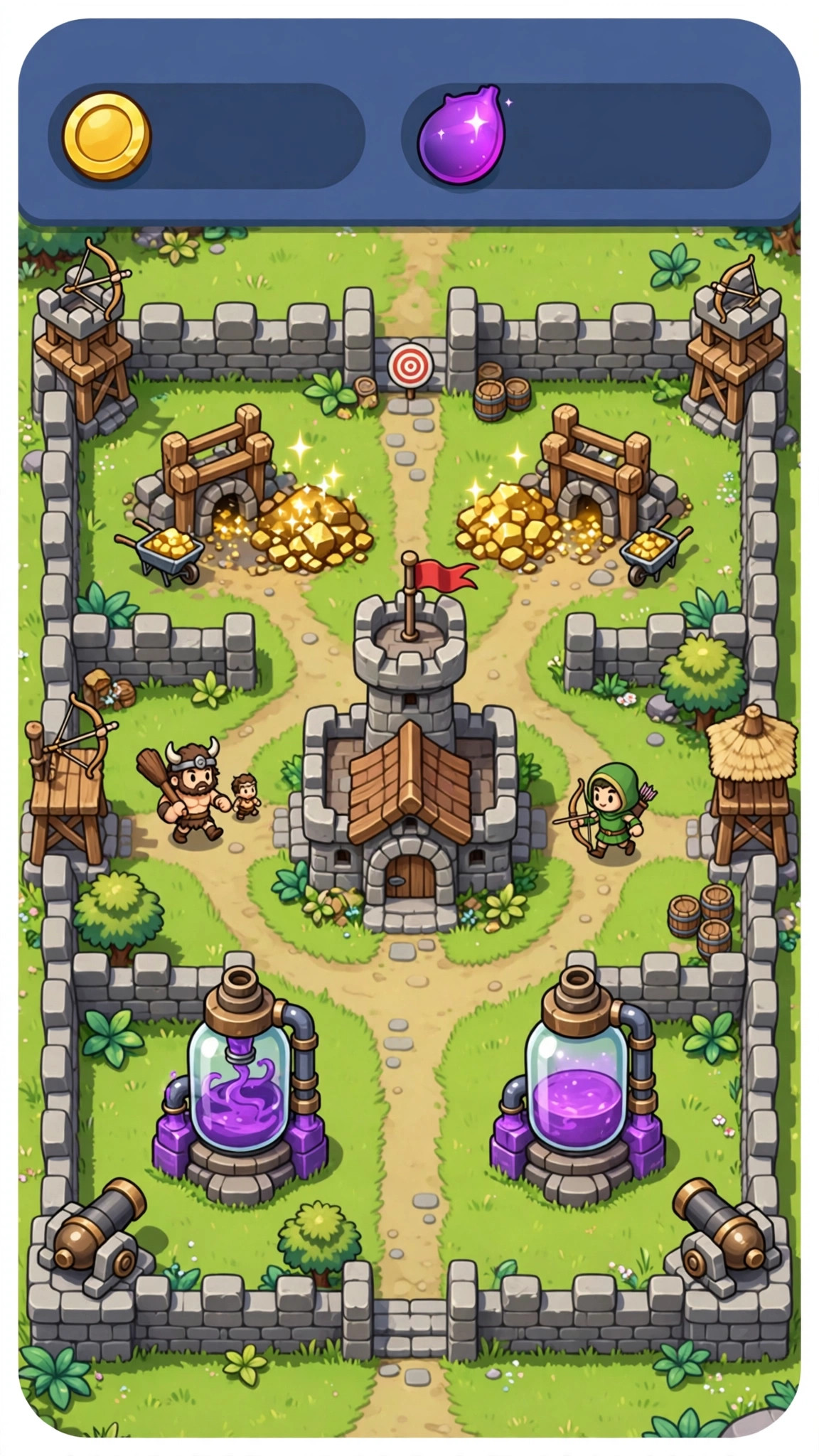
The core loop — the reason the Clash of Clans download stays so popular — is simple to learn and hard to master. You build and upgrade a village, collect Gold, Elixir and Dark Elixir, train troops, and attack other players’ villages to steal their loot. At the same time, you must defend your own village against attacks from real players around the world. The better your base layout, the fewer resources you lose overnight.
Quick facts
| Detail | Info |
|---|---|
| Game | Clash of Clans |
| Developer / Publisher | Supercell |
| Genre | Strategy / base building |
| Price | Free (optional in-app purchases) |
| Google Play rating | 4.5 stars (61 million+ ratings, checked 21 Nov 2026) |
| Google Play installs | 500 million+ |
| Total installs (reported) | Around 890 million worldwide |
| Android release | 7 October 2013 |
| iOS release | 2 August 2012 |
| Latest Town Hall | Town Hall 19 (Clash of Titans update, 16 Nov 2026) |
| Internet | Required — the game cannot be played offline |
| Official site | supercell.com/en/games/clashofclans |
The game has three resources that drive all progress. Gold pays for defences, walls and most buildings. Elixir pays for troops, army buildings and resource collectors. Dark Elixir, which you start collecting later, pays for Hero upgrades and powerful dark troops. Gems are the premium currency, and you earn them inside the game by completing achievements, clearing obstacles such as trees and rocks from your village, and taking part in events. The smartest early use of Gems is saving them for extra Builders, because more Builders means more upgrades running at the same time.
Your Clash of Clans download also includes a second village to run: the Builder Base. It sits across the sea from your main village, has its own buildings and troops, and its own Versus Battle mode where you attack another player in real time and both sides attack at once. Progress in the Builder Base feeds back into your main village, so it is worth developing alongside your Home Village.
Clash of Clans Download — Key Features
A Clash of Clans download gives you far more than a single game mode. Here are the features that keep players coming back after 13 years:
- Build and defend your village. A Clash of Clans download gives you a village to shape from the first minute. Place Cannons, Archer Towers, Mortars, Air Defences, Wizard Towers, Inferno Towers, X-Bows, Scattershots, Monoliths and walls in a layout that protects your Town Hall and your storages. Every building can be levelled up to become stronger.
- Train a huge army. Every Clash of Clans download includes the full troop roster. Mix ground and air troops, Spells and Siege Machines into countless army combinations. The Laboratory makes your troops, Spells and Siege Machines more powerful with each upgrade.
- Fight in Clan Wars. After your Clash of Clans download, join a Clan and battle other Clans for stars, loot and glory. Clan War Leagues run as a competitive season where your Clan climbs the ladder against Clans of similar strength.
- Climb Ranked Mode. Competitive multiplayer battles take you through the leagues all the way to Legend League, where the best attackers in the world compete.
- Command six Heroes. Your Clash of Clans download includes six Heroes. The Barbarian King, Archer Queen, Grand Warden, Royal Champion, Minion Prince and Dragon Duke each have unique abilities and equipment that can change the result of an attack.
- Play the single-player campaign. The Clash of Clans download also includes a full single-player campaign. Fight the Goblin King across a map of single-player levels, and use Practice Mode to test army combinations and Clan Castle troops without risking your loot.
- Take part in live events and seasons. Monthly seasons, Clan Games, special challenges and limited-time events hand out Magic Items, resources and Hero equipment.
- Builder Base Versus Battles. The Clash of Clans download also includes Builder Base Versus Battles. Attack a rival in real time, with both players attacking at the same time — the player with more destruction wins.
- Friendly Challenges and Friendly Wars. Practise against your Clanmates’ bases with no loot at stake, and run full Clan Wars just for fun.
Troops, Defences & Town Hall
The Town Hall is the heart of your village, and understanding it is the most important thing after your Clash of Clans download. Almost everything in the game is gated by your Town Hall level: new buildings, new troops, new defences and higher upgrade caps all arrive when you upgrade it. As of November 2026 the highest Town Hall is Town Hall 19, released in the Clash of Titans update on 16 November 2026. Each Town Hall level takes weeks or months of upgrades to complete, which is exactly why the game stays interesting for years.
Troops
Troops in your Clash of Clans download fall into a few clear roles, and a good army mixes them:
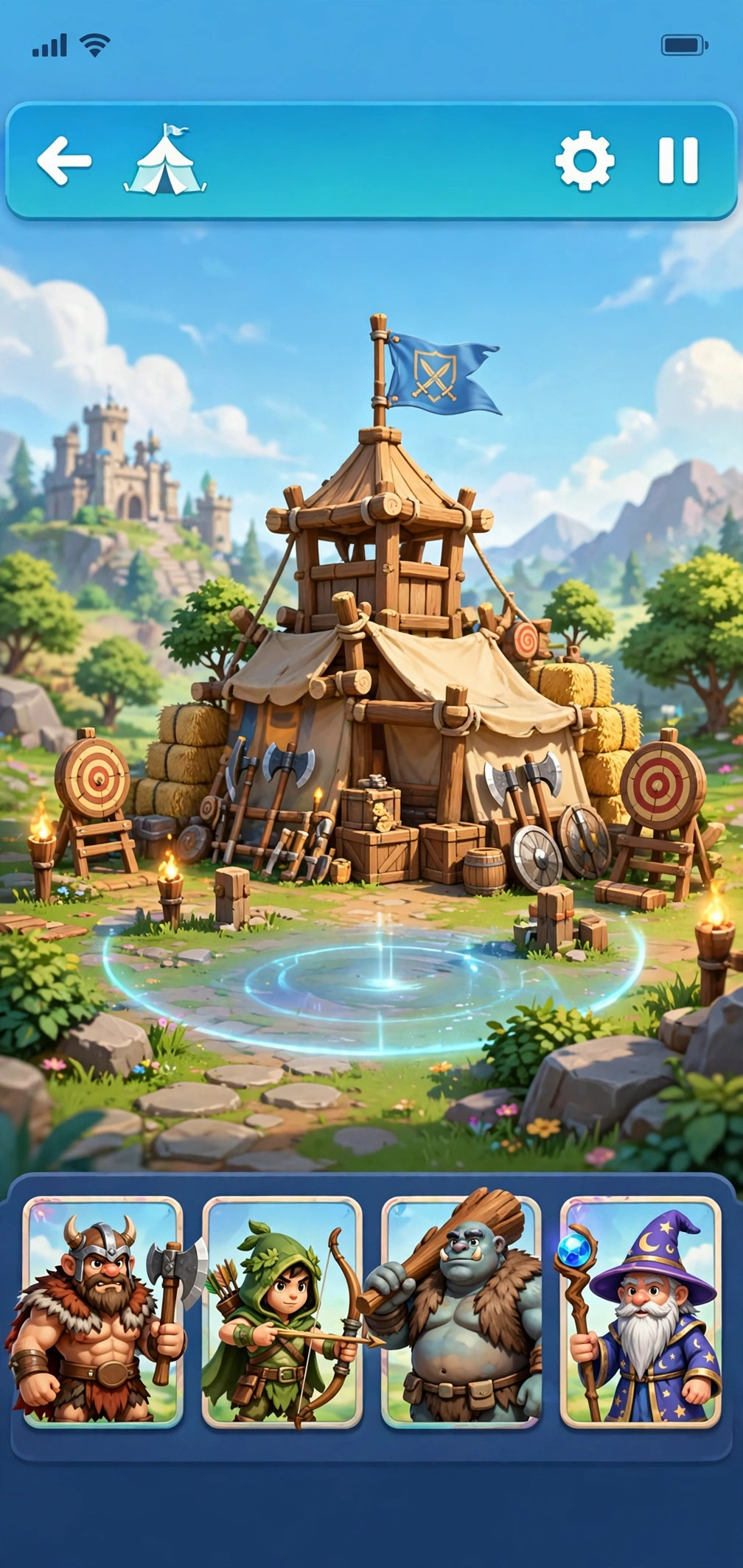
- Tanks: Giants, Golems, Ice Golems and Yetis soak up damage while your damage dealers work behind them.
- Damage dealers: Barbarians, Archers, Wizards, Dragons, Electro Dragons and the P.E.K.K.A hit hard but need protection.
- Specialists: Wall Breakers open paths through walls, Balloons and Minions attack from the air, Healers keep your army alive, and Miners tunnel underground to pop up inside the enemy base.
- Dark troops: Hog Riders, Valkyries, Golems, Witches, Lava Hounds, Bowlers, Ice Golems, Headhunters, Apprentice Wardens and Druids are trained with Dark Elixir and bring abilities no regular troop has.
- Super Troops: Powered-up versions of regular troops, such as the Super Barbarian and Sneaky Goblin, that you can boost for a few days at a time.
- Siege Machines: The Wall Wrecker, Battle Blimp, Stone Slammer, Siege Barracks, Log Launcher, Flame Flinger, Battle Drill and Troop Launcher carry your Clan Castle troops deep into the enemy base.
At Town Hall 19, the new Squads system in the latest Clash of Clans download also matters: from Town Hall 8 onwards, groups of troops can be deployed together as a single Squad, which saves housing space and makes army building simpler for newer players.
Heroes
Heroes are the strongest units in the game and the only ones you control directly during an attack with their abilities:
| Hero | Role |
|---|---|
| Barbarian King | Tough ground tank who smashes through defences |
| Archer Queen | Long-range damage dealer, best used behind tanks |
| Grand Warden | Support Hero who protects nearby troops with his aura |
| Royal Champion | Fast Hero who jumps walls and targets defences |
| Minion Prince | Flying Hero who weakens defences from above |
| Dragon Duke | Flying Hero who brings heavy fire damage |
At Town Hall 19 the Hero level caps rise again: the Barbarian King and Archer Queen reach level 115, the Minion Prince reaches 100, the Grand Warden 90, the Royal Champion 60 and the Dragon Duke 30. Hero equipment — weapons and abilities you can swap — lets you tune each Hero for a specific attack strategy.
Defences and walls
A strong defence buys you shields and saves your loot — and it is the first thing to build after your Clash of Clans download. The main defences are Cannons, Archer Towers, Mortars, Air Defences, Wizard Towers, Bomb Towers, Hidden Teslas, X-Bows, Inferno Towers, Eagle Artillery, Scattershots, Spell Towers, Monoliths, Multi-Archer Towers, Ricochet Cannons and the merged defences that combine two older buildings into one stronger tower. Traps — Bombs, Spring Traps, Giant Bombs, Seeking Air Mines, Skeleton Traps and Tornado Traps — punish attackers who walk into them. Walls are your first line of defence: at Town Hall 19 they can reach level 20, with up to 150 walls at the top level.
The Town Hall itself is also a weapon at higher levels, and at Town Hall 19 it can release its own defending troops, chosen by you from Barbarians, Archers and Wizards. A new Guardian Shrine building lets you pick which Guardian defends your village.
How to Download Clash of Clans on Android from Google Play
A Clash of Clans download on Android takes only a few minutes. Follow these steps to install the official Google Play version:
- Open the Google Play Store on your Android phone or tablet.
- Search for “Clash of Clans” in the search bar at the top. Make sure the developer shown is Supercell.
- Tap Install. The game is free, so there is nothing to pay at this step.
- Wait for the Clash of Clans download to finish. The initial download is several hundred MB, and the game downloads extra data the first time you open it, so stay on Wi-Fi if you can.
- Open the game after the Clash of Clans download and wait for the short loading and setup. The game needs an internet connection to run.
- Play the tutorial. It teaches you to build, train troops and attack, and it only takes a few minutes.
- Connect your account after the Clash of Clans download. Sign in with Google Play Games or create a free Supercell ID from the in-game settings. This saves your village online, so you never lose progress if you change phones.
If the download gets stuck, the problem is almost always with the Play Store itself rather than the game. Our guide to fixing the Google Play download pending error walks through the usual fixes, and if apps crash on launch, see our guide on how to fix apps crashing on Android. If Google Play Services itself is acting up, read our Google Play Services keeps stopping fix.
Only install the Clash of Clans download from Google Play. Do not trust download links from random websites, chats or video descriptions — those files can carry malware and can get your account stolen or banned. The official Google Play version is the only version we recommend, and it is free. You can also read more on the official Clash of Clans page.
How to Play — Beginner Tips
Starting with a Clash of Clans download is easy; playing it well takes a little planning. These beginner tips come from how the game actually works, and they save new players the mistakes almost everyone makes in the first month:
- Keep all your Builders busy, all the time. Builders are your real bottleneck after a Clash of Clans download. Never let one sit idle while you have Gold or Elixir to spend, and save the Gems you earn in the game for buying extra Builders.
- Join an active Clan as soon as your Clash of Clans download finishes. A good Clan donates high-level troops to your Clan Castle, and those donated troops defend your village and strengthen your attacks. Clan Wars and Clan Games are also your best source of bonus loot.
- Do not rush your Town Hall. It is tempting to upgrade the Town Hall the moment it is available, but upgrading early leaves your defences and troops weak compared to the enemies you will face. Max out your main defences and troops first, then upgrade.
- Upgrade offence before defence. Strong troops win you more loot in attacks after your Clash of Clans download, and loot pays for everything else. Keep your Laboratory researching non-stop and upgrade your Army Camps early.
- Protect your storages, not your Town Hall alone. Losing your Town Hall costs you trophies, but losing your storages costs you the loot you need to upgrade. Put storages inside your walls from the first day of your Clash of Clans download and spread them out so one attack cannot take them all.
- Use your Clan Castle troops in every attack. A donated Electro Dragon or a max-level Balloon can destroy defences your own troops cannot reach yet. Request troops before every war attack.
- Practise with Friendly Challenges. Attack your Clanmates’ bases to test new armies with zero risk — it is the best free training ground in any Clash of Clans download. It is the fastest way to learn funneling — clearing the outside buildings so your troops walk into the centre instead of around the base.
- Spend your loot before you log off. Upgrade something, start research, or buy walls before closing the game after your Clash of Clans download, so attackers find less loot worth stealing.
- Play the Builder Base too — it comes free with every Clash of Clans download. A few Versus Battle wins a day give you loot for the Builder Base, and its progress helps your main village through shared upgrades.
- Take part in Clan Games and events. Every Clash of Clans download includes these seasonal rewards. These hand out Magic Items such as Books and Runes that finish upgrades instantly or fill your storages — they are the fastest free way to progress.
If you like strategy games on a small download, also check our list of the 15 best games under 50MB for Android. And if you enjoy big open-world games on mobile, read our guide on how to play GTA 5 on Android. For another popular multiplayer fix guide, see how to fix Roblox not opening on Android.
System Requirements
A Clash of Clans download runs on most Android phones, including budget models, because it is a 2D-style strategy game rather than a heavy 3D title. These are the requirements to know before you start a Clash of Clans download:
| Requirement | Detail |
|---|---|
| Operating system | Android 7.0 or later (as listed by store listings; check the Play Store page on your own device) |
| RAM | 1 GB minimum; 2 GB or more recommended for smooth play |
| Storage | Around 1 GB of free space recommended — the initial download is several hundred MB and grows with updates and extra data (current build is around 840 MB per AppBrain) |
| Internet | Stable connection required at all times |
| Account | Google account for the Play Store; Supercell ID optional but recommended |
The exact minimum Android version and file size change over time as Supercell updates the game, so the Play Store listing on your own phone is the final word. If your phone is very old and the Play Store says the game is not compatible, there is no safe workaround — the official Google Play version is the only version that receives updates and support.
What’s New in Clash of Clans (2026)
The biggest news of the year for every Clash of Clans download is Town Hall 19, which arrived on 16 November 2026 in the Clash of Titans update. Here is what it brings, based on Supercell’s release notes:
- Two new defences: the Spiky Tower and a merged Firecracker Tower.
- A Town Hall that defends itself: you choose which troops live inside your Town Hall — Barbarians, Archers or Wizards — and they fight attackers for you.
- Guardian Shrine: a free new building where you pick which Guardian defends your village, with the Smasher Guardian able to reach level 10.
- Higher caps everywhere: Clan Castle level 15 (60 troops), Laboratory level 17, Hero Hall level 13, Gold and Elixir Storages level 20, Dark Elixir Storage level 14, and walls up to level 20.
- Five more Hero levels: Barbarian King and Archer Queen to 115, Minion Prince to 100, Grand Warden to 90, Royal Champion to 60, Dragon Duke to 30.
- Squads: from Town Hall 8, troops can be deployed as Squads that save housing space, with Squad Skills unlocking at higher levels.
- Balance changes for lower Town Halls: dozens of building, troop and Hero levels at Town Halls 16 to 18 became cheaper and faster.
Earlier in 2026 the game also added the Chief’s Chronicles year-in-review event and seasonal events such as the Frost Age season with new Hero skins, scenery and medal events. As always, the details of each season change month to month, so the in-game News section is the best place to check what is live right now.
FAQs — Clash of Clans Download
Is the Clash of Clans download free on Android?
Yes. The Clash of Clans download is completely free from the Google Play Store. The game is free to play, with optional in-app purchases for items such as the Gold Pass, skins, resources and Magic Items. You can reach the highest Town Hall without spending money — it just takes longer.
How much storage does a Clash of Clans download need?
The initial download is several hundred MB, and total storage use grows to around 800 MB to 1 GB after updates and extra data are installed (AppBrain lists 840 MB for the current build). These figures change with every update, so keep at least 1 GB free on your phone to be safe.
Can I play Clash of Clans offline?
No. A Clash of Clans download needs an internet connection at all times to play. Your village, Clan and war data live on Supercell’s servers, so the game cannot run offline.
What is the highest Town Hall level in 2026?
Town Hall 19, released on 16 November 2026 in the Clash of Titans update. It is the highest Town Hall in the game as of this guide’s publication date.
Can I play Clash of Clans on PC?
Yes, officially. A Clash of Clans download is available on Windows through Google Play Games on PC, which Supercell supports. You sign in with the same Google account, so your village carries over from your phone.
Is Clash of Clans safe for kids?
The Clash of Clans download is rated for ages 10 and up on Google Play in most regions. It has no graphic content, but it does have in-app purchases and online chat inside Clans. Parents should turn off in-app purchases in the device settings if a child is playing, and check which Clan the child joins.
How do I save my village so I never lose it?
Create a free Supercell ID from the in-game settings after your Clash of Clans download, or sign in with Google Play Games. Both link your village to your account, so you can restore it on any new phone by signing in again. If you ever get stuck, Supercell’s in-game Help and Support can recover an account.
Download Clash of Clans
Ready to play? The Clash of Clans download is free, and the official Google Play version is the only download we recommend.
Download Clash of Clans on Google Play
After your Clash of Clans download finishes installing, open the game, finish the short tutorial, join an active Clan, and start building. Good luck, Chief — and see you in Clan Wars.
More Android Games on TrickExprt
If you like strategy games, these guides in the same Android Games series may also help:
- PUBG Mobile Download: Play on Android (2026 Guide) — battle royale with 100-player Erangel matches, Metro Royale and Arena modes.
- Subway Surfers Download: Play Free on Android (2026) — endless runner with Jake, Tricky & Fresh, hoverboards and World Tour cities.
- Candy Crush Saga Download: Play Free on Android (2026) — match-3 puzzle with 20,000+ levels, striped and wrapped candies, and boosters.
- 8 Ball Pool Download: Play Online on Android (2026) — online pool with 1v1 matches, tournaments and cue collection.
Sources
- Google Play Store listing — Clash of Clans by Supercell: https://play.google.com/store/apps/details?id=com.supercell.clashofclans (rating 4.5, 61,190,087 ratings, free; checked 21 November 2026)
- Supercell — official Clash of Clans page: https://supercell.com/en/games/clashofclans/
- Wikipedia — Clash of Clans: https://en.wikipedia.org/wiki/Clash_of_Clans (release dates: iOS 2 August 2012, Android 7 October 2013)
- GamesNews — Clash of Clans Town Hall 19 guide: https://www.gamesnews.gg/guides/clash-of-clans-town-hall-19-release-date-new-defenses-upgrade-priority (checked against Supercell’s Clash of Titans release notes, 17 November 2026)
- ClashScout — Town Hall 19 release: https://clashscout.gg/news/town-hall-19 (Town Hall 19 live 16 November 2026)