TrickExprt Android Apps, Games, Software & Tech Guides
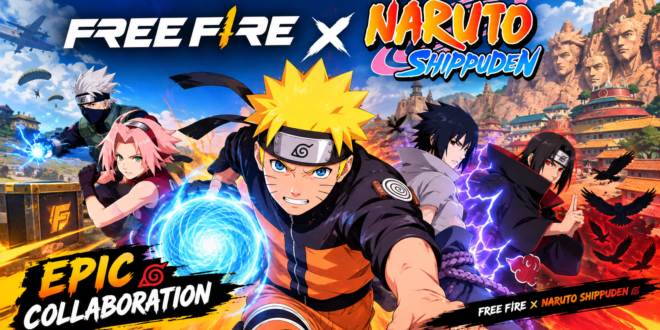
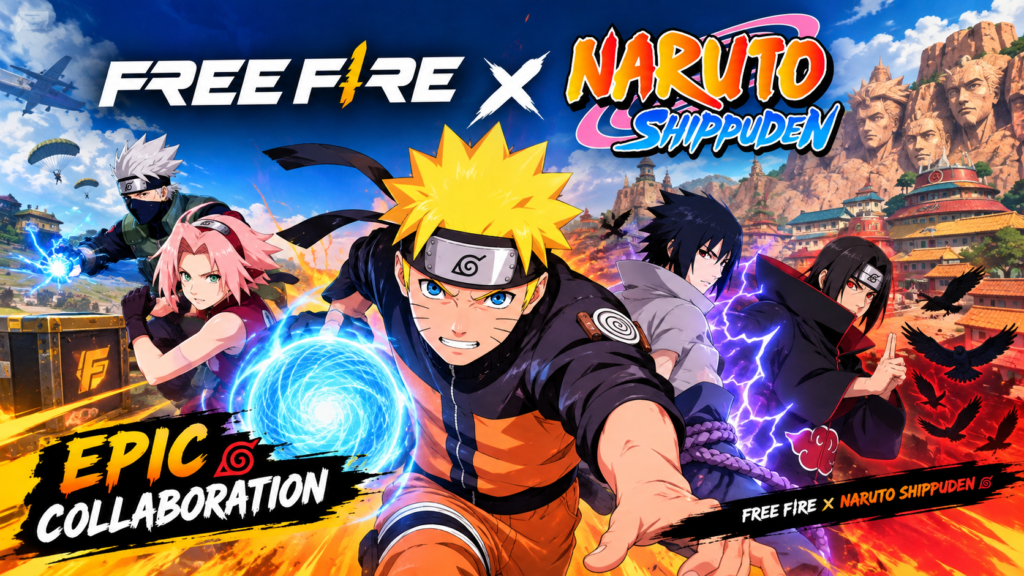
Free Fire is a popular mobile battle royale game that combines fast-paced survival gameplay, character abilities and competitive multiplayer matches. Its collaboration with NARUTO SHIPPUDEN brings the worlds of Free Fire and the famous anime series together through themed content and special gameplay features.
In this guide, you will learn about the collaboration, its gameplay highlights, how to install Free Fire safely on Android, and what to check before looking for event rewards.
What Is Free Fire x NARUTO SHIPPUDEN?
Free Fire x NARUTO SHIPPUDEN is a special collaboration between Garena’s battle royale game and the Naruto anime franchise. The collaboration introduces Naruto-themed content into the Free Fire experience.
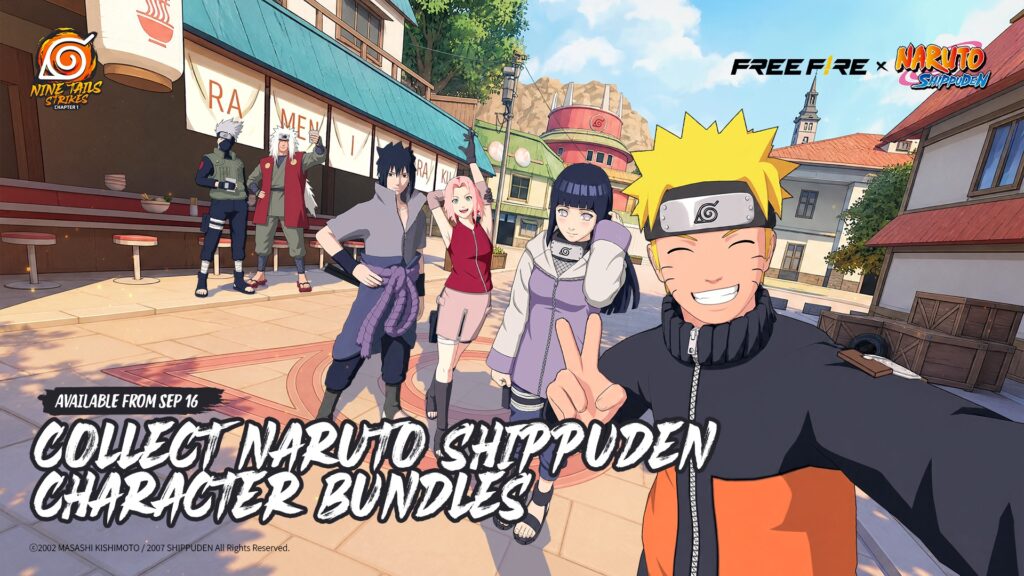
Garena announced the return of the Nine Tails Strikes chapter for September 16–October 15, 2026. The event featured updated gameplay, Hinata Hyuga, the Ninja Academy in the Hidden Leaf Village, and a Sharingan-powered mechanic involving Nine Tails.
Important: That announced event period has ended. Check the official Free Fire news page for any new or returning events instead of assuming these rewards are still available.
Main Features to Explore
1. Battle Royale Gameplay
Players compete to survive, collect equipment and defeat opponents while the playable area becomes smaller.
2. Anime-Themed Content
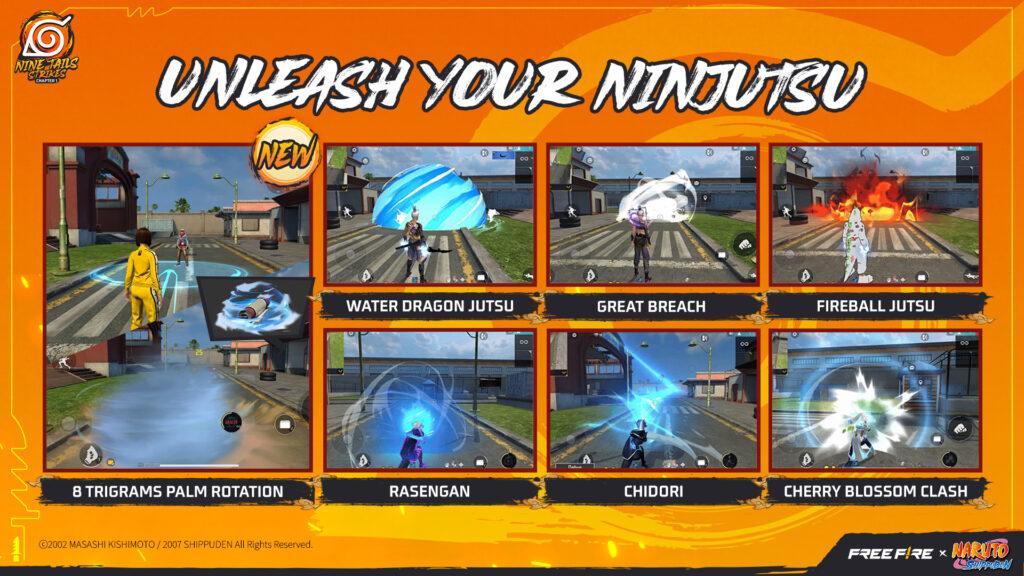
Special collaborations may include themed locations, character-inspired cosmetics, animations and limited-time activities. Exact content depends on the event.
3. Special Event Mechanics
Garena’s September 2026 announcement described updated Nine Tails gameplay and a Sharingan-powered mechanic. Availability can change between events.
4. Multiplayer Competition
Players can team up with friends, develop strategies and improve their combat skills in different game modes.
How to Download Free Fire on Android
- Open Google Play Store on your Android phone.
- Search for the official Free Fire game available in your region.
- Check the developer name and app details.
- Tap Install and wait for the download to finish.
- Open the game and follow the on-screen setup instructions.
- Install updates through the official store when available.
Official source: https://play.google.com/store/games
Avoid unknown APK websites that promise unlimited diamonds, free premium items or modified accounts. Such downloads may contain malware or compromise your account.
Tips for a Better Gameplay Experience
- Use a stable internet connection.
- Adjust sensitivity and control settings to suit your play style.
- Practise aiming and movement in training modes.
- Coordinate with teammates instead of rushing into every fight.
- Keep enough free storage for updates.
- Never share your account password or verification codes.
How to Check for Naruto Content and Fix Common Problems
Naruto-themed items are delivered through the main Free Fire game, so the quickest way to see what is available to you is to look inside the game.
Check Availability In-Game
- Open Free Fire from your official installation and sign in with a supported account.
- Open the in-game Events section.
- Look for Naruto Shippuden or related collaboration announcements.
- Read the event dates, mission requirements and reward details.
- Check Garena’s official news channels for additional information.
If the event is not listed, its rewards may no longer be available in your region. Be cautious of videos or websites that promise guaranteed access to expired event items.
Is There a Separate Naruto APK?
The Google Play download is the base game, not a separate Naruto edition. The collaboration is content associated with Free Fire and is normally accessed through the base game, so a website offering a standalone “Free Fire x Naruto APK” should not be treated as official just because it uses the collaboration’s name. Modified files can contain malware, compromise your account or violate the game’s rules.
Are the Naruto Rewards Free?
Free Fire is free to play where officially available, with optional purchases. Whether a particular Naruto item is free depends on the event: some rewards may come from missions, while others may require event currency or a purchase. The collaboration also does not mean every player automatically receives every Naruto-themed item, because content can be limited-time or region-specific.
Common Problems
- Free Fire is not available in your region: availability varies by country, so check the official Garena website and your regional app store.
- The game will not install: check storage, internet connection, device compatibility and the Google Play download status, and avoid forcing installation from an unknown APK.
- Naruto items are missing: the collaboration may not be active in your region, or the event may have ended. Check the in-game event schedule.
- The game lags: close unnecessary background apps, use a stable connection and reduce graphics settings if the game offers them.
Frequently Asked Questions
Is the Naruto collaboration permanently available?
Not necessarily. Collaboration content and rewards may be limited to particular event periods.
Can I download Free Fire on Android?
Check the official Google Play listing for availability in your country and for your device.
Can I get free Naruto rewards from unofficial websites?
Be cautious. Use only official in-game events and verified Garena announcements. Never provide your login details to a reward website.
Is an unofficial modified APK safe?
It cannot be assumed safe. Modified packages may contain harmful code or put your account at risk.
Final Verdict
Free Fire x NARUTO SHIPPUDEN is worth exploring for players who enjoy battle royale games and anime collaborations. Check current event announcements before searching for specific rewards, and install the game from an official source.
For more Android gaming news, updates and guides, explore our Football League 2026 guide, our Free Fire MAX black screen fix, and our guide to freeing up Android storage without deleting files.