 TrickExprt Android Apps, Games, Software & Tech Guides


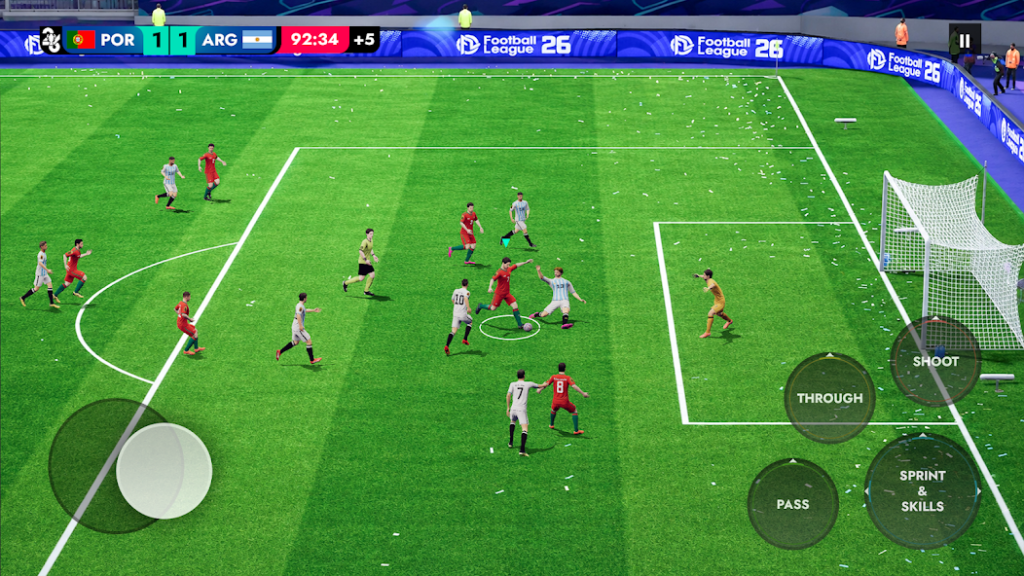
Football games are a great option for mobile players who want to build a team, compete in matches and enjoy the excitement of football on their phones. Football League 2026 is a mobile soccer game featuring 3D matches, team management and multiple competitions.
This guide covers its main features, offline play, Android installation and practical tips for new players.
What Is Football League 2026?
Football League 2026 is a football simulation game available on Android. Its Google Play listing describes 3D player action, stadiums, team-building options, multiple competitions and online or offline play.
The official listing also advertises a large selection of players and several international and regional competitions. Exact features may depend on the current game version.
Main Features
1. 3D Football Matches
The game presents football matches with animated players, stadium environments and in-match controls.
2. Team Building
Players can assemble a squad and experiment with different formations and player combinations.
3. Multiple Competitions
The game listing describes a variety of cup and international competitions. Check the current version for the available modes.
4. Offline Gameplay
The official listing advertises offline play. Some features, updates or online activities may still require an internet connection.
5. Customisable Experience
Explore available controls, team formations, match settings and language options to find a comfortable setup.
How to Download Football League 2026 on Android
- Open Google Play Store.
- Search for “Football League 2026”.
- Confirm that the developer and game title match the official listing.
- Review the app details and device compatibility.
- Tap Install.
- Open the game and follow its initial setup.
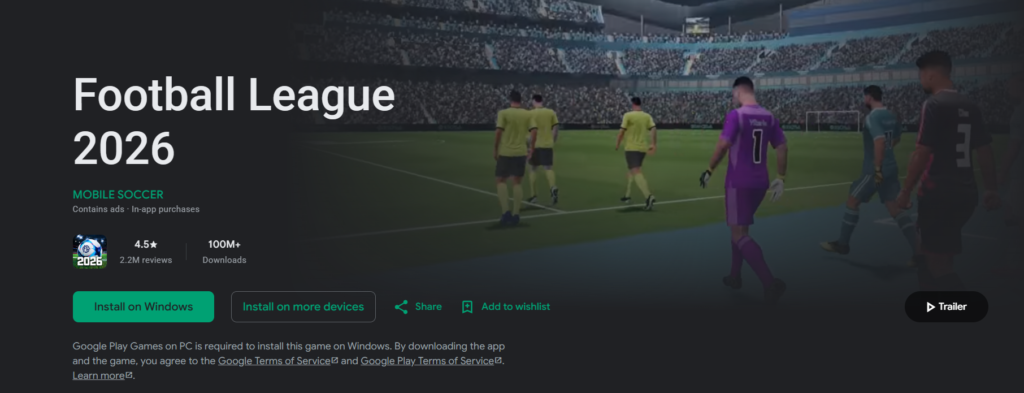
Official Google Play listing: https://play.google.com/store/apps/details?id=com.football.soccer.league
Do not install a modified APK simply because it claims to unlock every player or provide unlimited currency. These files may be unsafe or may not work as advertised.
Tips for Beginners
- Practise passing before attempting difficult shots.
- Try different formations to find a balanced defence and attack.
- Avoid sprinting constantly, because it can make controlled movement harder.
- Learn the shooting and passing controls in easier matches.
- Check your available storage before downloading game updates.
- Test offline mode before travelling somewhere without internet access.
Frequently Asked Questions
Can Football League 2026 be played offline?
Its official listing advertises offline gameplay. However, online features and some services may need a connection.
Is Football League 2026 free?
Check the official listing for the current price and in-app purchases in your region.
Why does the game lag?
Close unnecessary background apps, lower graphics settings if available and ensure your phone has enough free storage.
Is an APK from a third-party website safe?
Safety cannot be guaranteed. Prefer the official store or a verified developer source.
Final Verdict
Football League 2026 is worth considering for Android users who want mobile football matches, team-building options and offline gameplay. Check the official listing for the latest compatibility and feature information before installing. For other mobile football options, compare our FC Mobile VN download and installation guide and eFootball 2027 Android guide.


One comment
Pingback: Well Played Soccer APK Download for Android (2026)