TrickExprt Android Apps, Games, Software & Tech Guides
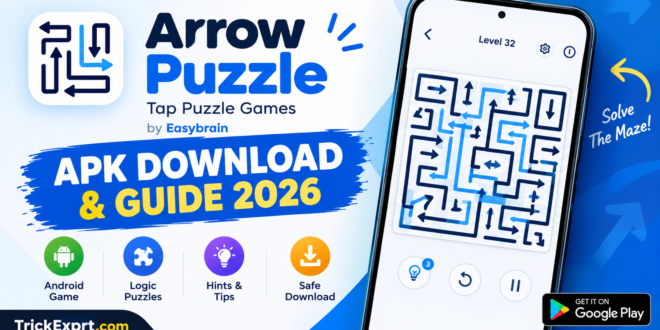
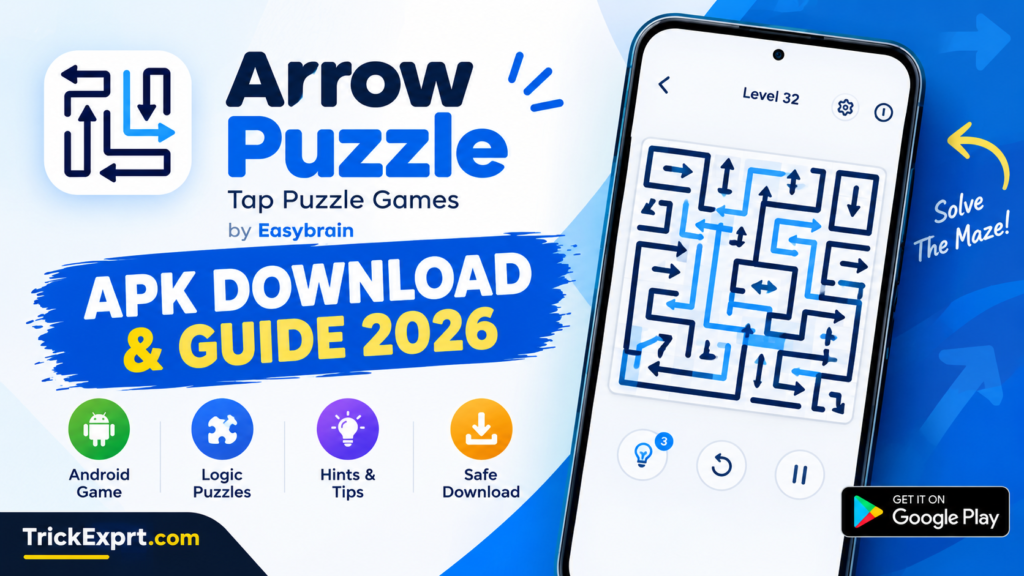
Looking for a simple puzzle game that challenges your thinking without complicated controls? Arrow Puzzle: Tap Puzzle Games is an Android game developed by Easybrain. Its main challenge is to clear a board filled with arrows by tapping them in the correct order.
Although the controls are easy to understand, choosing the wrong arrow can cost you a life. In this guide, you will learn how to download Arrow Puzzle, understand its gameplay, solve difficult levels, and troubleshoot common installation problems.
What Is Arrow Puzzle: Tap Puzzle Games?
Arrow Puzzle is a single-player logic game in which arrows must escape a crowded grid. Each arrow points in a particular direction, and you must determine whether its path is clear before tapping it.
The challenge comes from deciding which arrows to remove first. Clearing one arrow can open a path for another, so your move order matters.
The game is designed for short, focused sessions. Its simple visual style makes it easy for beginners to understand, while more complicated boards require careful observation and planning.
Arrow Puzzle Game Information
- Game name: Arrow Puzzle: Tap Puzzle Games
- Developer: Easybrain
- Platform: Android
- Category: Puzzle and logic
- Game mode: Single-player
- Monetization: Ads and in-app purchases
- Official download: Google Play Store
Ratings, app size, Android requirements, and available features may change as the developer updates the game.
Arrow Puzzle APK Download for Android
The recommended way to install Arrow Puzzle is through its official Google Play Store listing. This allows you to obtain the version distributed through Google’s app marketplace without relying on an unknown APK website.
Official download link:
Open Arrow Puzzle: Tap Puzzle Games on Google Play. Verify that the developer is Easybrain before installing.
Follow these steps to install the game:
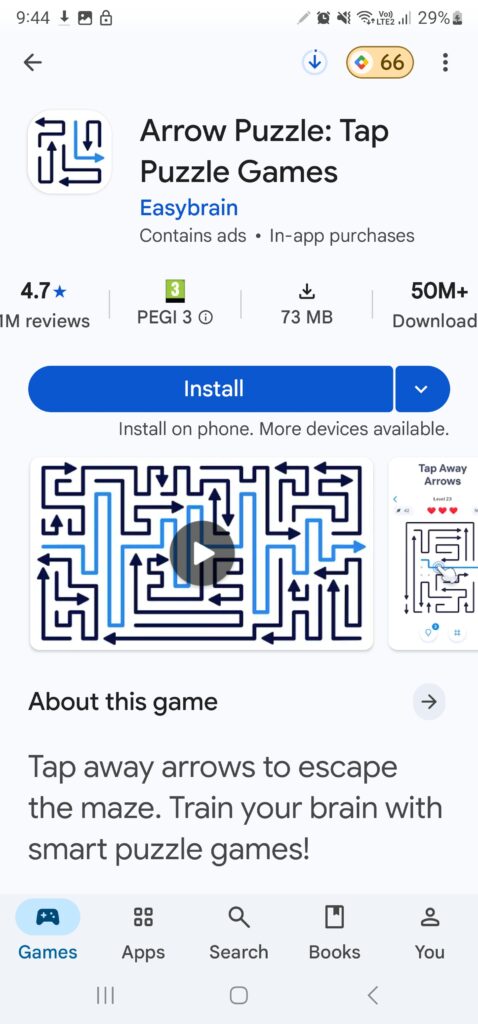
- Open the official Google Play link.
- Check that the app name is Arrow Puzzle: Tap Puzzle Games and the developer is Easybrain.
- Tap Install if the game is available for your device.
- Wait for the installation to finish.
- Open the game and begin your first puzzle.
Can You Download the Arrow Puzzle APK File?
APK stands for Android Package Kit, a file format used to distribute Android applications. Some websites offer APK files for manual installation, but third-party downloads may be outdated, modified, or unsafe.
If the game is available through Google Play, a separate APK download is generally unnecessary. Avoid modified files promising unlimited hints or unlocked paid features, and never install an unfamiliar package simply because a website advertises it as the latest version.
How to Play Arrow Puzzle
The objective is to remove every arrow from the board while avoiding blocked moves.
Step 1: Examine the board
Look at the direction of each arrow. Imagine the path it must follow to leave the grid.
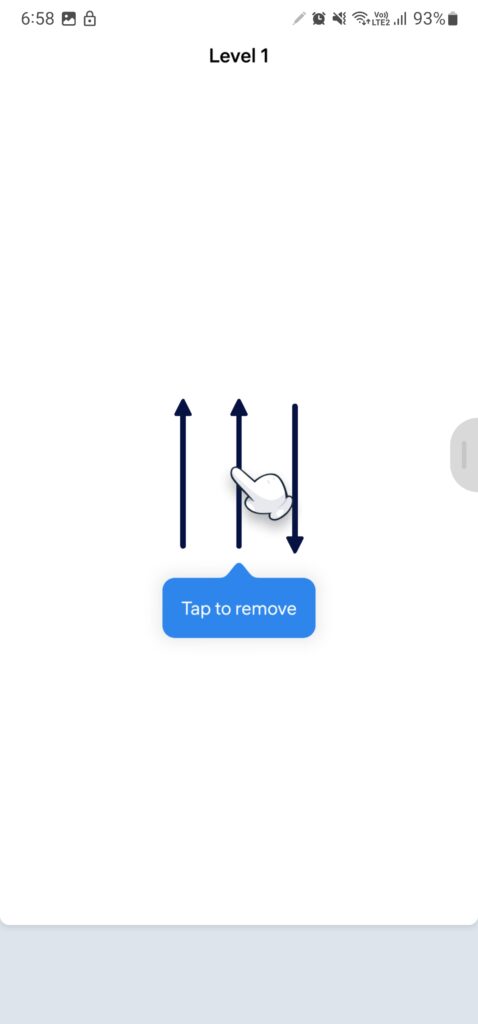
Step 2: Find an arrow with a clear path
Start with an arrow whose route is unobstructed. Tap it to remove it from the board.
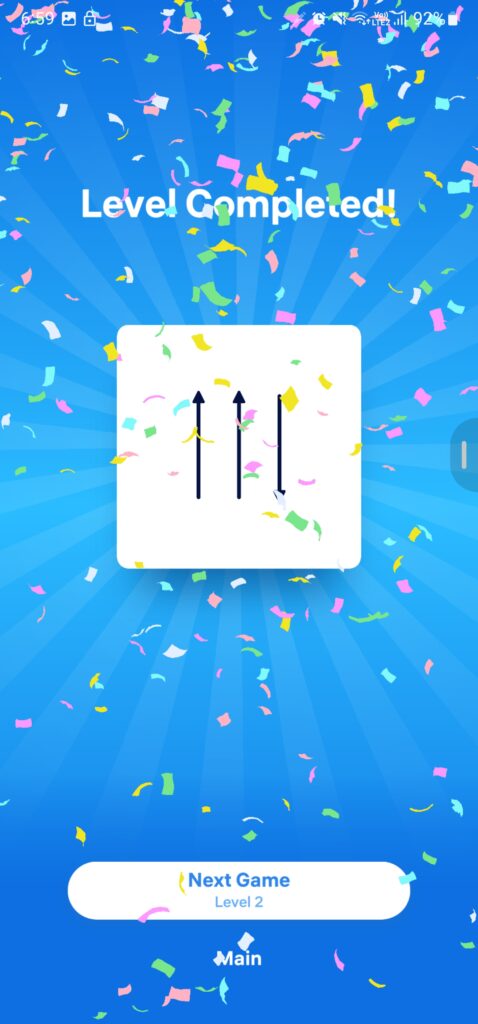
Step 3: Check which paths have opened
After an arrow disappears, another arrow may become available. Examine the grid again before making your next move.
Step 4: Clear the remaining arrows
Continue removing arrows in a safe order until the board is empty. If you tap a blocked arrow, you can lose a life, so avoid guessing whenever possible.
Best Tips for Difficult Arrow Puzzle Levels
Getting stuck is part of the challenge. These practical techniques can help you make better decisions.
- Follow each arrow’s direction: Check the spaces ahead of it instead of judging only its position.
- Look for safe moves first: An arrow with a clear exit is usually a sensible starting point.
- Think one move ahead: Consider whether removing an arrow will unblock another route.
- Use hints when necessary: The game’s hint feature can help identify an available move when you are stuck.
- Avoid random taps: Guessing can waste lives and make a puzzle harder to complete.
- Recheck the board after every move: The available paths change as arrows leave the grid.
The key is to observe the board carefully and choose moves based on the arrows’ actual paths.
Arrow Puzzle Features
Logic-Based Gameplay
The game tests your ability to recognize directions, identify obstacles, and plan a sequence of moves.
Increasing Puzzle Challenges
The boards become more challenging as you progress, requiring more careful decisions.
Hints and Daily Challenges
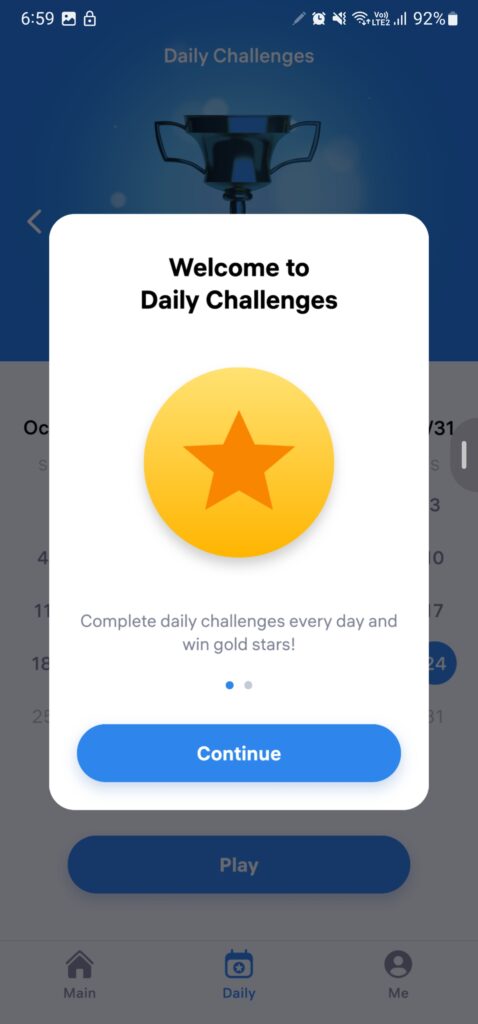
The official listing describes helpful hints and daily challenges, giving players additional ways to engage with the game.
Relaxed Single-Player Experience
The game is described as having no timer, allowing you to focus on solving puzzles without racing against a countdown.
Ads and Optional Purchases
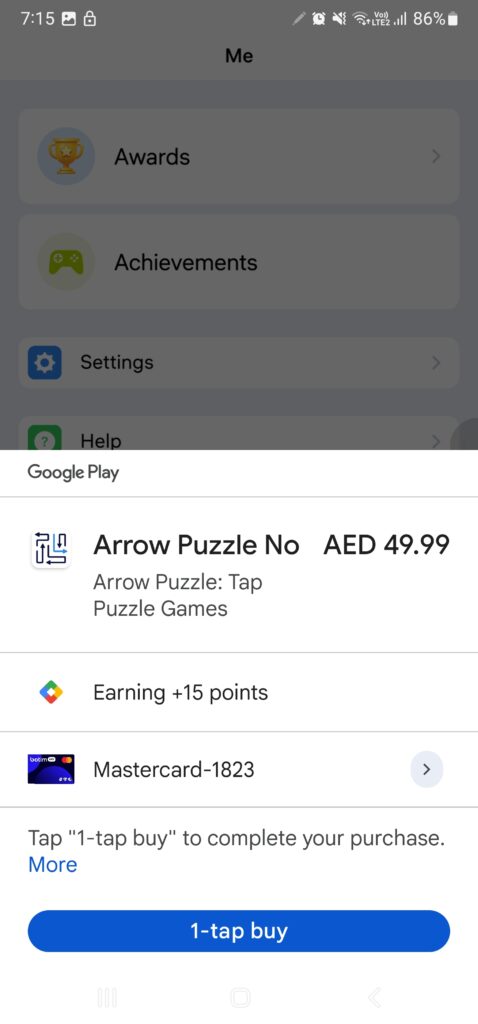
Arrow Puzzle is free to download, but it contains advertisements and in-app purchases. Consider this if you prefer games with no ads.
How to Fix Arrow Puzzle Installation Problems
Download stuck on pending: Check your internet connection, pause other downloads, and reopen Google Play. For more detailed steps, read our Google Play Store Download Pending guide.
Not enough storage: Free up space by removing unnecessary files or unused apps, then try installing again. See our guide to freeing up Android storage without deleting important files.
Game crashes: Restart your phone and check for available game or Android system updates. If other apps also close unexpectedly, follow our Android app-crash troubleshooting guide.
APK file will not install: Check the file source and device compatibility. If you cannot verify the APK, delete it and use the official Play Store listing instead. If Android displays the “App Not Installed” message, see our guide to fixing App Not Installed errors.
Game unavailable on your device: Availability can depend on your device and region. Check the Play Store’s compatibility message rather than downloading a random APK.
Is Arrow Puzzle Worth Playing?
Arrow Puzzle is worth considering if you enjoy relaxing logic games, simple controls, and puzzles that reward careful thinking. It is suitable for short breaks and players who prefer solving problems rather than competing in fast-paced action.
However, advertisements and limited lives may not appeal to everyone. Your experience will depend on your preferences and how challenging you find the puzzles.
Final Verdict
Arrow Puzzle: Tap Puzzle Games offers straightforward gameplay with a focus on observation and planning. Its central challenge is choosing the right order to remove arrows and clear the board.
For Android users interested in trying it, the official Google Play listing is the recommended starting point. Use hints when necessary, avoid unverified modified APKs, and check the current app details before installing.
Visit TrickExprt.com for more Android game guides, mobile troubleshooting tutorials, and practical app tips.