TrickExprt Android Apps, Games, Software & Tech Guides
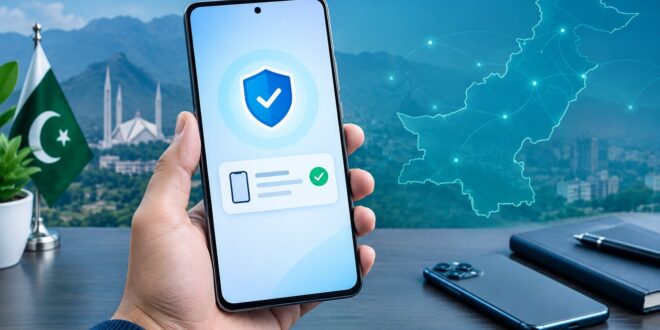
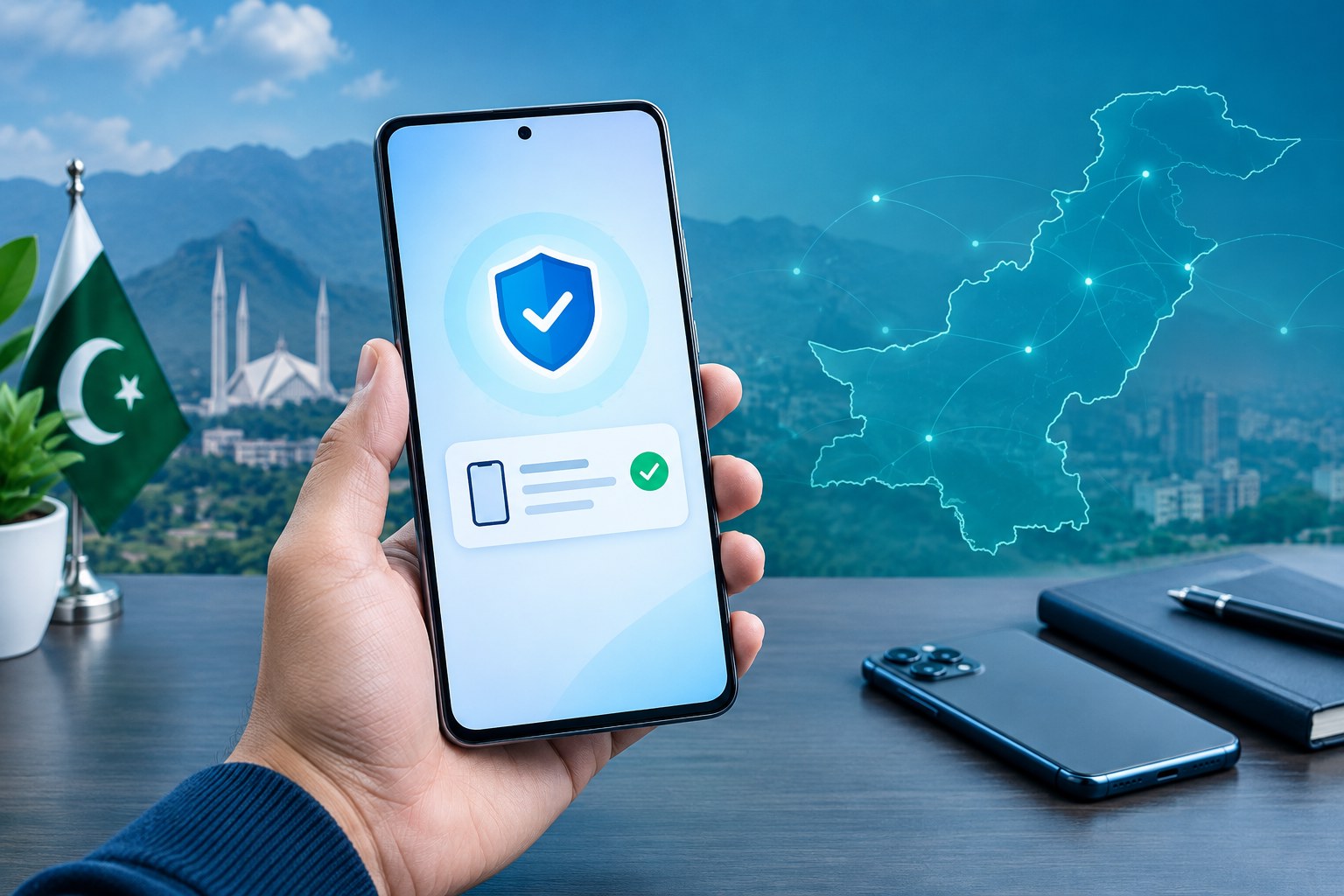
Buying a used phone in Pakistan? Before you pay, check whether its IMEI is compliant with the Pakistan Telecommunication Authority (PTA). A phone may look genuine and work with a SIM today, but its registration status still matters. The safest approach is to check every IMEI through an official PTA channel and compare the result with the handset in front of you.
This guide explains three practical ways to check a phone: SMS to 8484, the official DIRBS website and the Device Verification System (DVS) app. It also covers dual-SIM phones, used-device checks, common mistakes and what to do if the result does not match the seller’s claim.
Quick Answer: How to Check Your PTA IMEI Status in Pakistan
- Dial *#06# on the phone to display its IMEI number or numbers.
- Copy one 15-digit IMEI without spaces or dashes.
- Send it by SMS to 8484, or check it through the official DIRBS portal.
- Read the reply and confirm that the reported brand/model matches your handset.
- Repeat the check for every SIM slot or eSIM IMEI shown by the phone.
PTA’s Device Verification System supports status checks through SMS 8484, its website and the DIRBS Android app. Use official channels rather than links sent by unknown numbers. PTA DIRBS procedure reference.
What is an IMEI and why should you check it?
IMEI means International Mobile Equipment Identity. It is a unique identifier assigned to a mobile device’s cellular connection. Mobile phones with two SIM slots may show two IMEI numbers. Some eSIM devices also display more than one identifier.
Checking the IMEI helps you confirm the device’s registration status in Pakistan’s DIRBS system. It is especially important before buying a second-hand phone, importing a handset or troubleshooting a device that has stopped connecting to local mobile networks.
Method 1: PTA IMEI check by SMS 8484
Steps to check by SMS
- Open the phone’s dialler and enter *#06#.
- Note the 15-digit IMEI you want to verify.
- Open Messages and create a new SMS.
- Enter only the IMEI number in the message body.
- Send it to 8484 and wait for the response.
- Compare the returned device details with your phone.
If the handset has two IMEIs, send each one separately. Do not assume that checking SIM 1 automatically verifies SIM 2. Your mobile operator may apply a small SMS charge, so check your current tariff if needed.
Method 2: Check IMEI through the official DIRBS portal
Open the official PTA DIRBS website. Use the device-status option available on the portal, enter the IMEI and submit it. Follow the on-screen instructions and read the result carefully.
For registration-related tasks, PTA’s Device Registration System is available at dirbs.pta.gov.pk/drs. The registration process is different from a simple status check. Do not enter CNIC, passport or payment details on a lookalike website.
Method 3: Use the PTA Device Verification app
PTA also provides a Device Verification System app. Reach its official download route from the PTA/DIRBS website or verify the publisher before installing an app-store result. Avoid third-party IMEI checker apps that request unnecessary permissions or personal information.
How to check a dual-SIM or eSIM phone
Open the dialler and enter *#06#. Write down every IMEI displayed. Then check each one separately through 8484 or the official portal. A device can show more than one IMEI, and checking only the first number can leave another SIM connection unverified.
What should you do with the result?
If the result says compliant or registered
Keep a screenshot or note of the result. Before buying a used phone, still compare the IMEI shown on the screen with the number on the box and the seller’s listing. A compliant result alone does not prove that the phone has no hardware, ownership or account-lock issue.
If the result says non-compliant, blocked or registration is required
Do not rely on the seller’s promise that the phone will “start working later.” Ask the seller to resolve the registration issue through the official DIRBS process before payment. If you own the device, follow the registration instructions shown by PTA. The official procedure explains that a PSID may be generated for applicable duties and taxes, and payment confirmation is required before the system updates the device status. Read the DIRBS procedure.
If the IMEI details show a different brand or model
Stop the purchase until you understand the mismatch. Compare the IMEI on the phone, box and seller’s paperwork. A mismatch can indicate an incorrect listing, replaced board or a potentially duplicated/cloned identifier. Contact PTA or an authorised service centre rather than trying unofficial “IMEI repair” services.
Used-phone checklist before you pay
- Dial *#06# on the actual handset and check every IMEI.
- Verify each IMEI through 8484 or the official DIRBS portal.
- Compare the IMEI and model details with the physical phone.
- Insert your SIM and test calls, SMS and mobile data.
- Check screen, cameras, charging, speakers and biometric features.
- Ask for a receipt that records the device model and sale date.
- Do not pay extra based only on a screenshot supplied by the seller; run your own check.
PTA IMEI check: common problems and fixes
No reply from 8484
Check that you entered exactly 15 digits, have mobile signal and can send SMS. Try again later if the service is temporarily unavailable. You can also use the official DIRBS portal.
The portal does not load
Try a different browser or network and avoid unofficial mirror websites. If the official service is temporarily unavailable, retry later or use the SMS method.
The phone works but the status is unclear
Do not treat current network access as proof of permanent compliance. Verify the IMEI through an official channel and keep the response for your records.
How to avoid fake PTA messages and websites
Scammers may send messages claiming that your phone or SIM will be blocked unless you open a link. PTA has warned users about deceptive links impersonating DIRBS. Never share your CNIC, account password, banking details or OTP on a page received from an unknown sender. Type the official PTA address yourself and use 8484 for the status check. Read the public warning reported by APP.
Practical verification before buying
Run the IMEI lookup yourself while the handset is in front of you. Compare every displayed IMEI with the phone and its box, then test your own SIM before paying. This is a repeatable buyer check, not a guarantee that a device has no hardware or ownership issue.
Frequently asked questions
What is the PTA IMEI check code?
Dial *#06# to display your IMEI, then send the 15-digit number by SMS to 8484 to check its status.
Is *8484# the same as sending an IMEI to 8484?
No. SMS 8484 is used to check an IMEI. The USSD code *8484# is associated with device-registration access and related steps. Follow the official portal’s instructions for registration.
Should I check both IMEIs on a dual-SIM phone?
Yes. Check every IMEI shown by *#06#, including the second SIM or eSIM identifier.
Can I check PTA status before buying a used phone?
Yes. Ask the seller for the IMEI, check it through an official PTA channel and then confirm that the number on the handset matches the one you checked.
Does an IMEI check tell me the exact PTA tax?
A status check and a tax assessment are not the same task. For registration and applicable duties, use the official DIRBS registration system and follow the payment details it generates.
Related mobile network guides
- Jazz internet packages and activation codes
- Ufone internet packages and activation codes
- Zong internet packages codes
Final advice
Run your own PTA IMEI check before buying or registering a phone. Check every IMEI, verify the model details and use only official PTA channels. These simple steps can help you avoid an expensive mistake and reduce the risk of falling for fake registration links.
Editorial note: PTA procedures and portal screens can change. We recommend confirming the latest instructions on the official DIRBS website before making a payment or submitting personal information.