TrickExprt Android Apps, Games, Software & Tech Guides
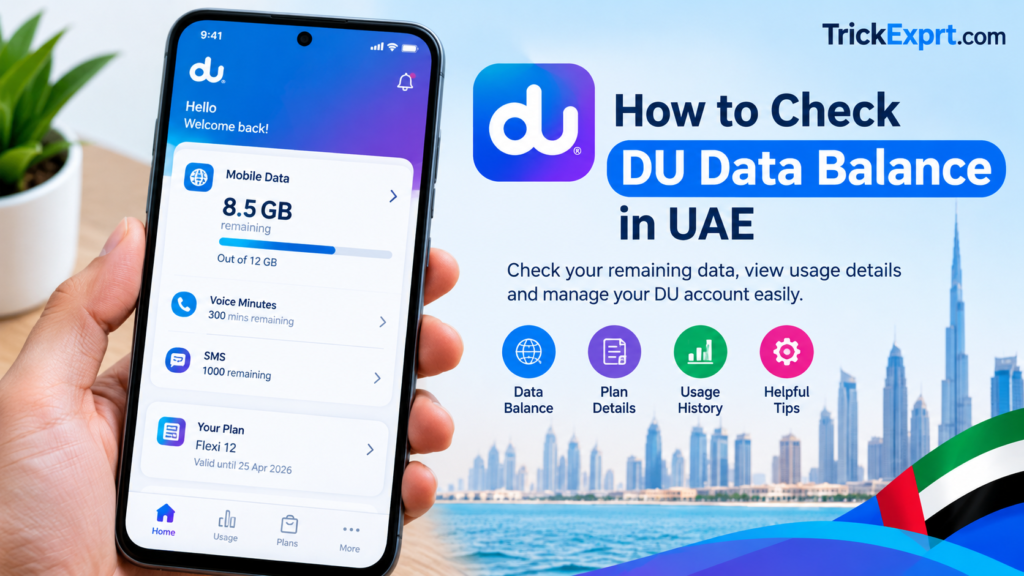
If you use a DU mobile SIM in the UAE, checking your remaining internet data helps you avoid running out of data unexpectedly. DU customers can use the official DU app and other available account services to check their data balance and plan details.
In this guide, you will learn how to check your DU data balance, view your remaining internet allowance, and troubleshoot common problems.
1. Check Your DU Data Balance Using the DU App
The official du app on Google Play is a convenient way to manage your mobile account. The store listing says the app can show consumption and balance, manage accounts, and purchase data or roaming add-ons.
Steps to follow:
- Open the official DU app on your smartphone.
- Sign in using your DU mobile number or the available account login method.
- Open your mobile account or active plan section.
- Look for your remaining data, usage details, or plan allowance.
- Check your plan validity and renewal information if displayed.
The exact menu names may vary depending on your app version and mobile plan.
2. Check Your DU Internet Balance Through Official Account Services
DU’s official My Account help page says customers can view usage, manage plans and preferences, and manage mobile services. The options shown can differ between prepaid and postpaid accounts.
- Open du My Account.
- Open the mobile account or customer support section.
- Sign in if required.
- Review your active package and available data usage information.
Some features may differ between prepaid and postpaid accounts.
3. How to Check DU Data Balance for Prepaid Users
If you have a DU prepaid SIM, check your remaining data and package validity through the official DU app or the account services available for your plan.
Make sure you check the internet allowance for your active package rather than assuming that your main account credit represents your remaining data.
If a USSD code or SMS method is advertised for your particular plan, verify the current instructions through DU’s official support channels before using it.
4. How to Check DU Data Usage on Android
You can also check how much mobile data your phone has consumed.
- Open Settings on your Android phone.
- Search for Data usage or Mobile data usage.
- Open the relevant SIM or mobile network section.
- Review the data consumed by individual apps.
- Set a data warning or usage limit if your phone supports it.
Important: Android’s data usage counter may not match DU’s billing counter exactly. Your phone tracks usage over a selected period, while DU records usage according to its own systems and package rules.
5. Why Is My DU Data Balance Not Showing?
If you cannot see your remaining data, try these steps:
- Check that you are signed in to the correct DU account.
- Confirm that your active package is displayed correctly.
- Refresh the app or sign out and sign in again.
- Update the official DU app if an update is available.
- Check your internet connection.
- Contact DU support if your balance still appears incorrect.
Avoid sharing your OTP, password, or account verification details with anyone claiming to check your balance for you.
6. How to Reduce DU Mobile Data Consumption
You can make your data package last longer by following these tips:
- Connect to trusted Wi-Fi when available.
- Disable automatic app updates over mobile data.
- Reduce video streaming quality when necessary.
- Restrict background data for apps that use too much internet.
- Download large files over Wi-Fi.
- Check your data usage regularly.
Frequently Asked Questions
How can I check my DU data balance in the UAE?
Open the official DU app, sign in to your account, and check your active plan or data usage section.
Can I check DU data usage without the app?
You can try DU’s official account services on its website or use any account-specific methods confirmed by DU.
Why is my DU data balance different from my phone’s data usage?
Your phone and DU may use different tracking periods and measurement rules. Compare the relevant dates and your active package details.
Can I check my DU balance while roaming?
Access to account services may depend on your connection and plan. Use the official DU app or website where available, and check possible roaming charges before using mobile data.
Is checking DU data balance free?
Viewing your account information through the official app may be available without an additional service fee, but data charges can depend on your connection. Confirm the current terms with DU.
Conclusion
Checking your DU data balance in the UAE helps you manage your internet allowance and avoid unexpected interruptions. Start with the official DU app, review your active plan, and use your phone’s data usage settings for additional information.
For the most accurate balance and package details, always rely on DU’s official account services and support channels.
Official website: du.ae.
Editorial note: Verify the current app menus, package-specific codes, and service terms before publishing. Do not add an unverified USSD code or claim that a particular method works for every DU customer.